
AI Floor Design
Visualize new floors on your room photo in seconds
Try hardwood, tile, marble and more on your existing floor before you lift a single plank, powered by House AI.
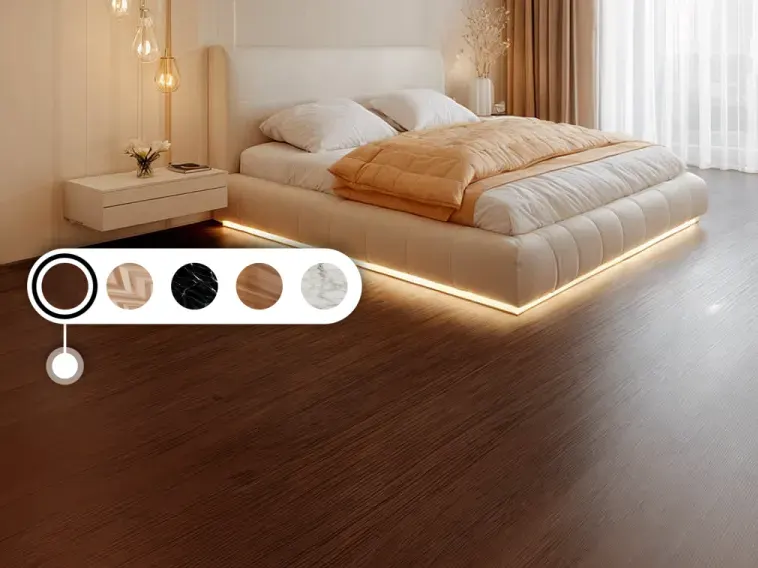
Try NewFloorsBefore You Buy
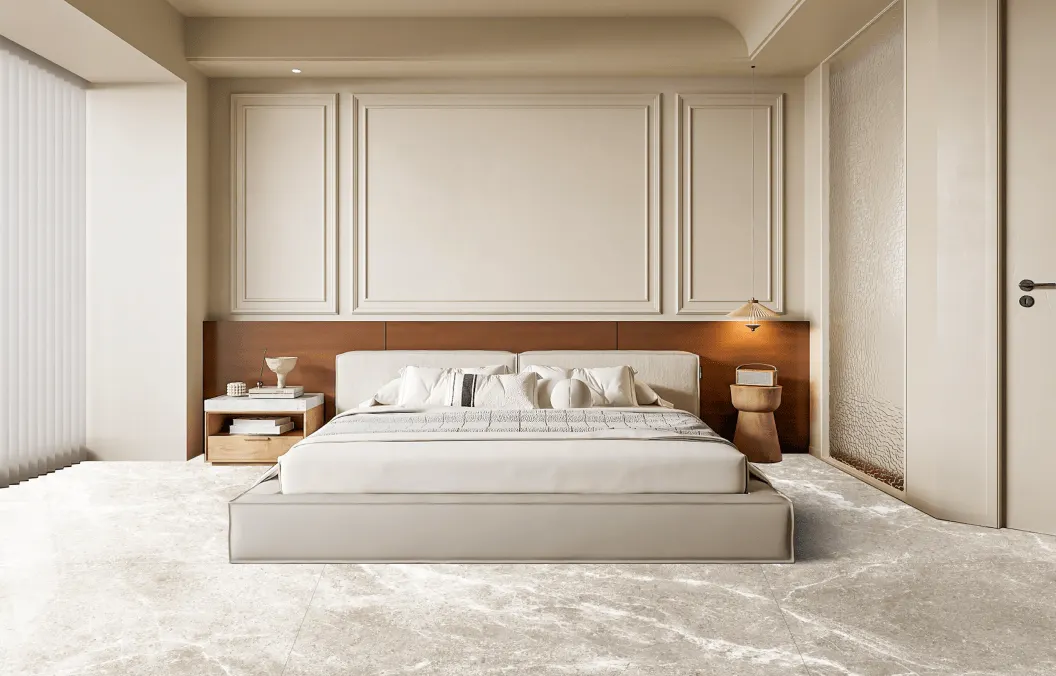
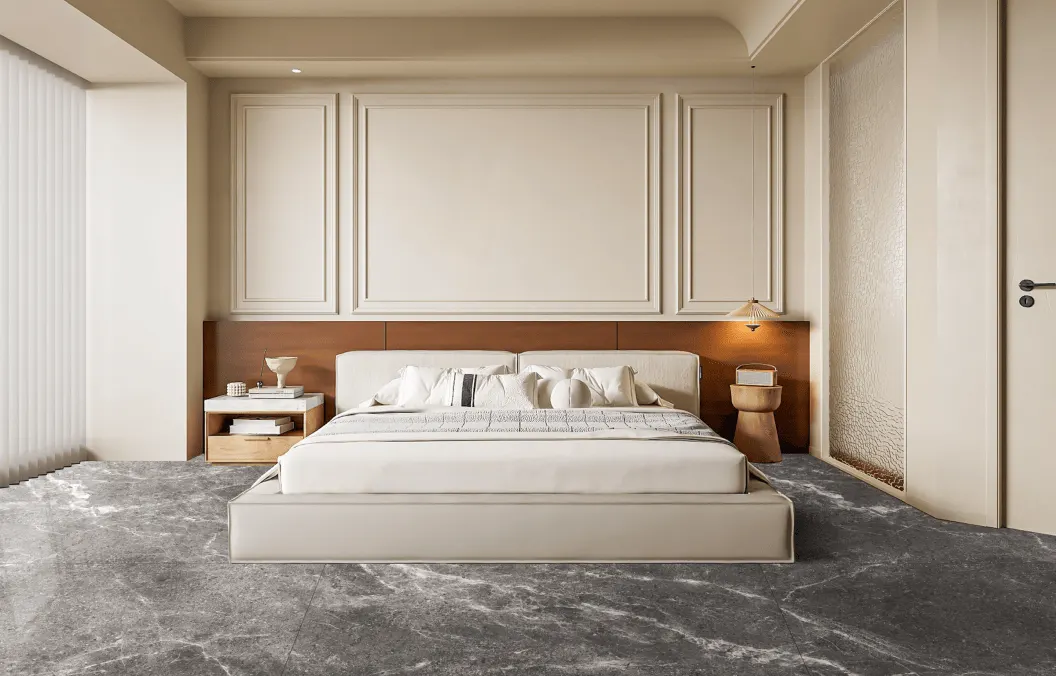
Before
After
See hardwood & tone on your photo
Upload a picture of your space and preview how different wood tones and finishes feel under your real lighting and furniture.
- Compare light vs dark floors instantly
- Keep walls and layout, only the floor changes
- Share visuals with installers or family
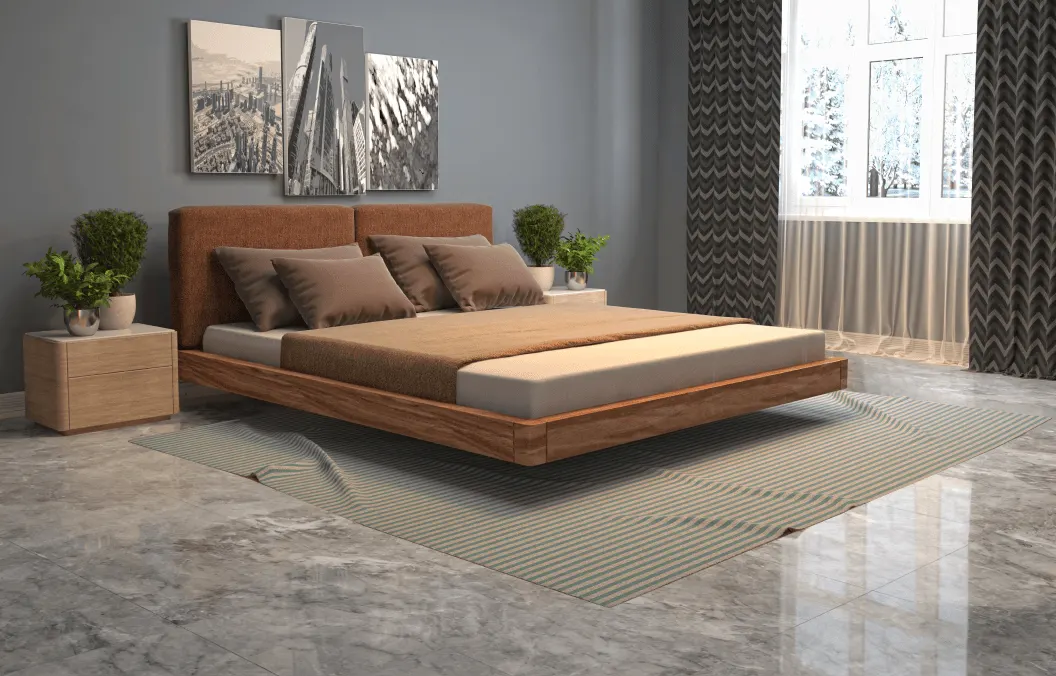
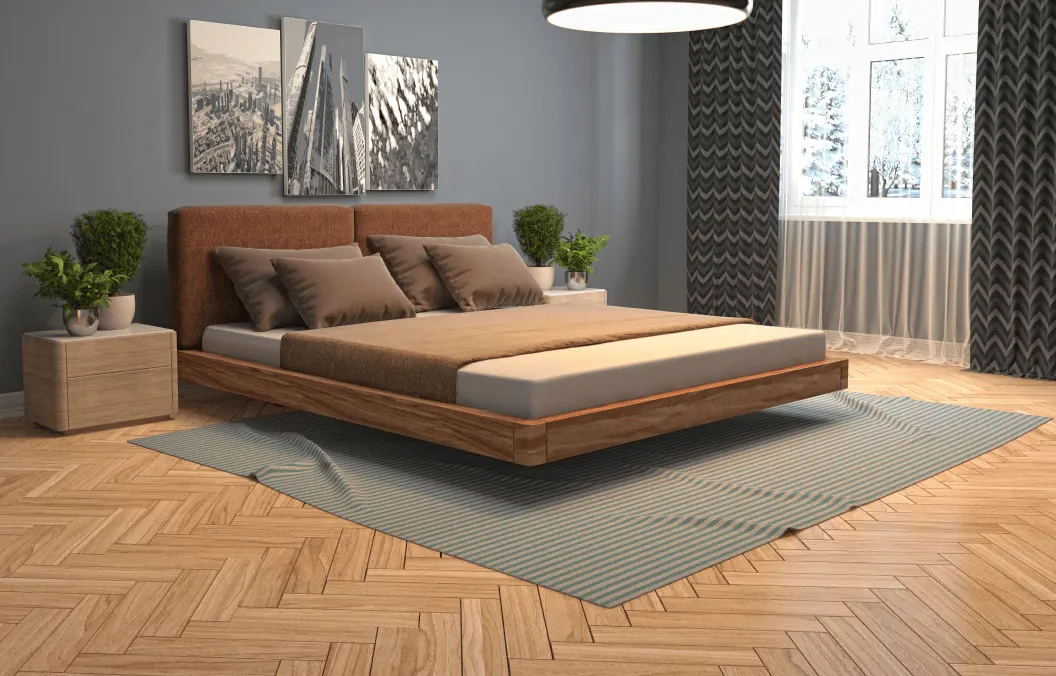
Before
After
Tile, stone & material swaps
From ceramic and marble looks to warm planks, audition full-room materials without ordering samples for every idea.
- Preview patterns in context, not on a swatch
- Decide faster with side-by-side looks
- Risk-free exploration before renovation
About House AI floor design
House AI's floor design tool replaces the flooring in a photo with hardwood, tile, marble or carpet, leaving the rest of the room intact. It takes about 15 seconds, so you can compare several floors in the same room before lifting a single plank.
How else you could do this
| Approach | Time | Cost | What you get |
|---|---|---|---|
| House AI | About 15 seconds on average | Free to start, $9.99/week | Each flooring option shown in your actual room |
| Ordering samples | 3 to 10 days per batch | $0 to $50 | A few inches of plank on your existing floor |
| Showroom visit | Half a day | Free, plus travel | Full boards, but under showroom lighting |
Key facts
- Swaps in hardwood, tile, stone, marble and carpet finishes.
- Leaves walls and furniture untouched, only the floor changes.
- A redesign takes about 15 seconds from upload to finished image (August 2026).
- 300+ design styles and 15+ room types, across interiors, exteriors and gardens.
- Works on iOS, Android and the web. No plugin, no CAD file, no measuring.
- 1,000,000+ downloads across 175+ countries.
- Shop from Image matches the furniture in a render to real, in-stock products across 330 retailers, with prices and links.
Frequently asked questions
- Will the new floor follow my room's perspective?
- Yes. The plank or tile direction is generated to match the room's geometry in your photo, so the result reads as a real floor rather than a pasted texture.
- Is House AI free to use?
- Yes. The free tier gives you 3 free designs a day, with a watermark. Paid plans remove the watermark and the daily limit, and start at $9.99 a week or $39.99 a year.
- Do I need design experience?
- No. You upload a photo of the real space, pick a room type and a style, and House AI returns a photorealistic redesign. There is nothing to measure, model or draw.
- How long does one design take?
- About 15 seconds on average. You can regenerate as many variations as your plan allows and compare them side by side.
Written and maintained by Jeffrey Escobar. Last updated . Pricing and product figures current as of August 2026.