Free AI
Interior Design
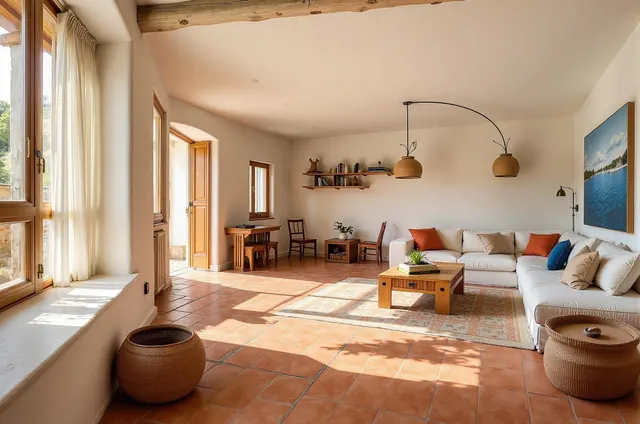
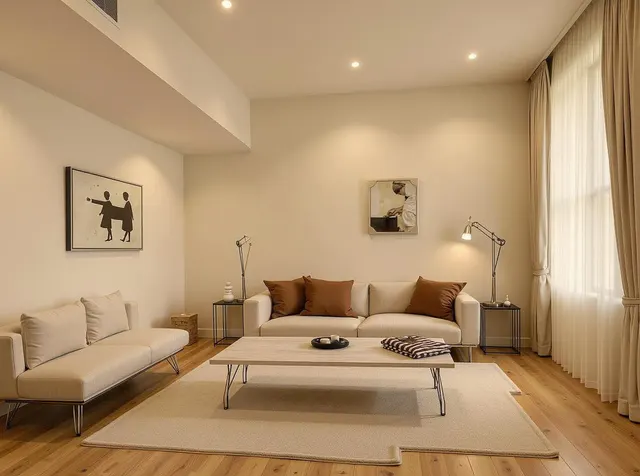
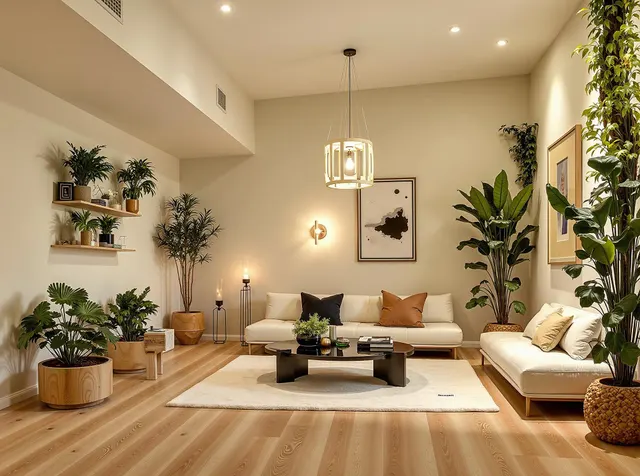
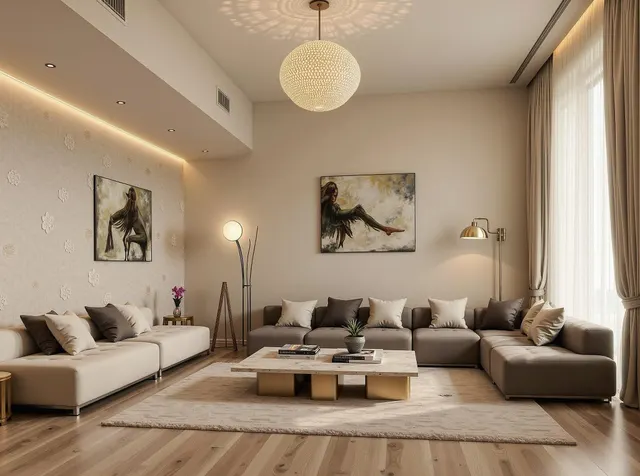
Transform empty rooms, cluttered corners, or furnished spaces into your imagined interiors. No skills, no measuring, just AI-powered magic tailored to your style.
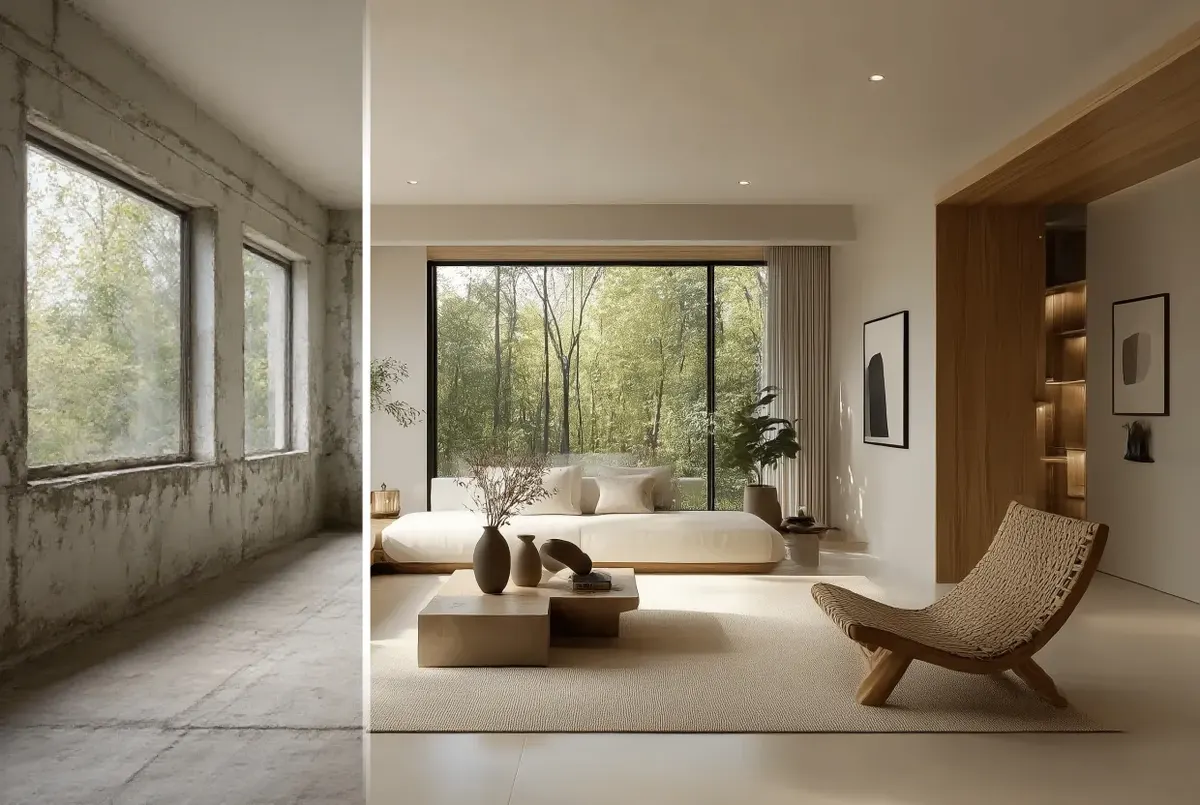



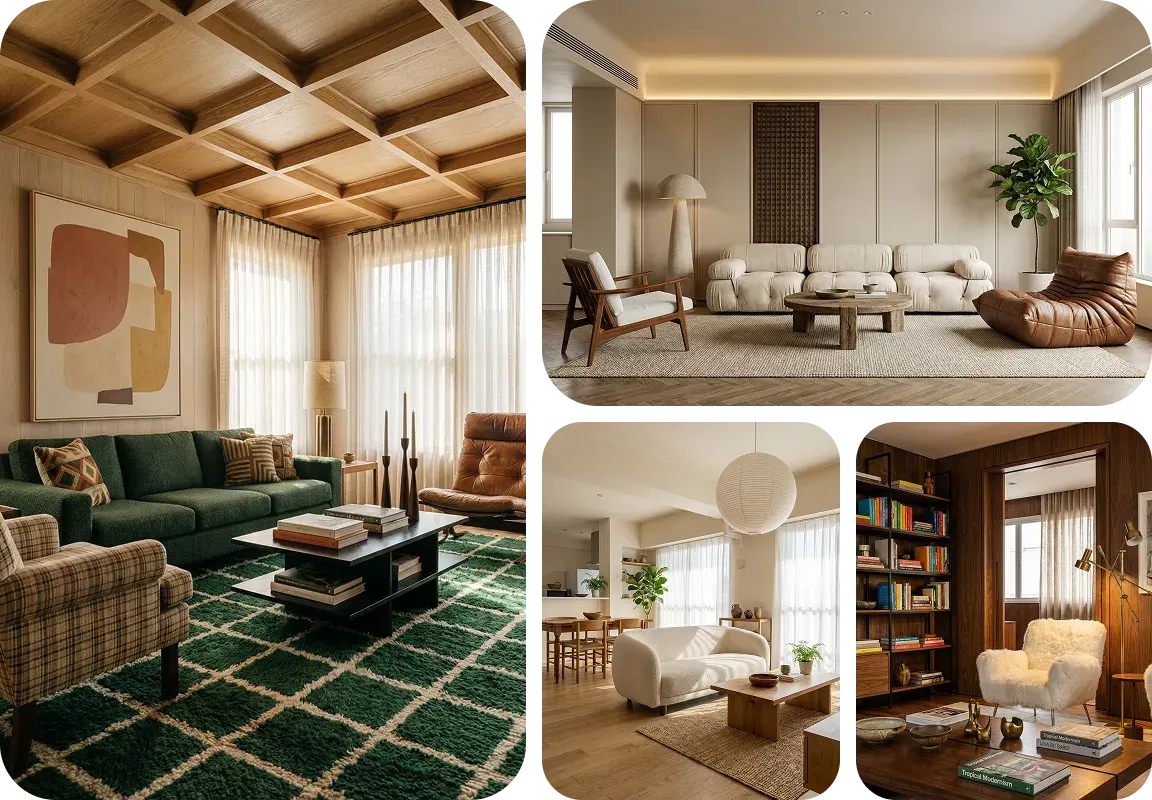
300+ Interior Styles to perfectly match your vibe
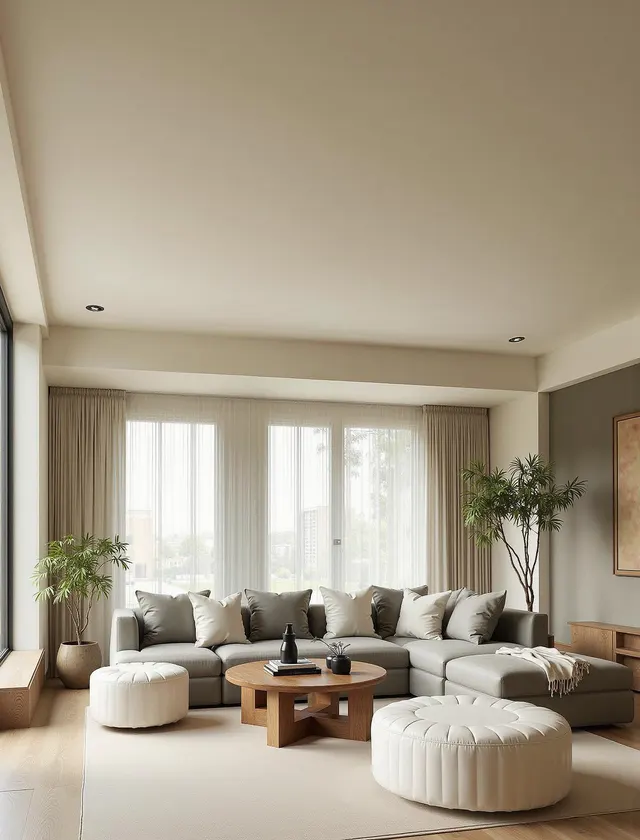
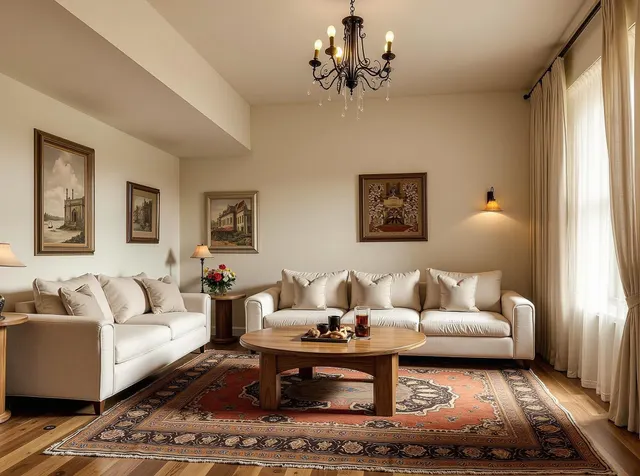
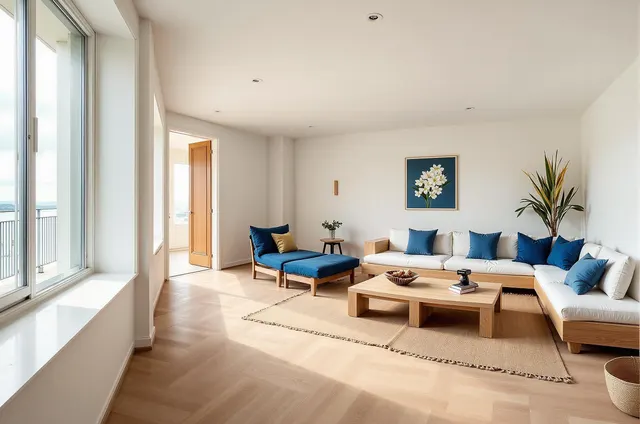
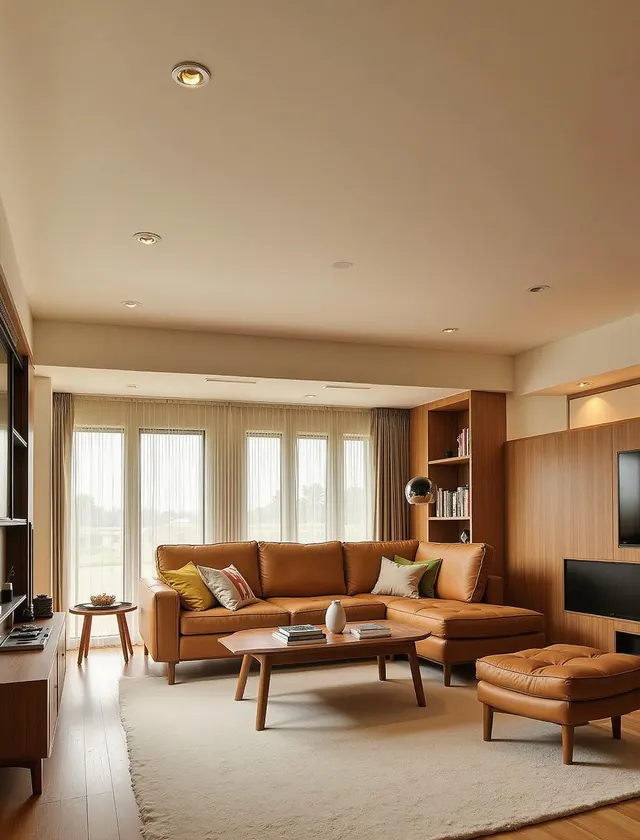
House AI puts 300+ curated styles at your fingertips, all just a click away! From Modern and Japanese to Minimalist, Zen, Christmas, Cyberpunk, and more, explore everything now to quickly test your ideas and find the perfect fit without any guesswork.
Get started for free15 + Room Types That cater to your space
Whether you're redesigning or planning your bathroom, living room, kitchens, entryway or other unique space, House AI gets you covered with over 15 room types that would better fit to your space's size, layout and purposes.
Get started for free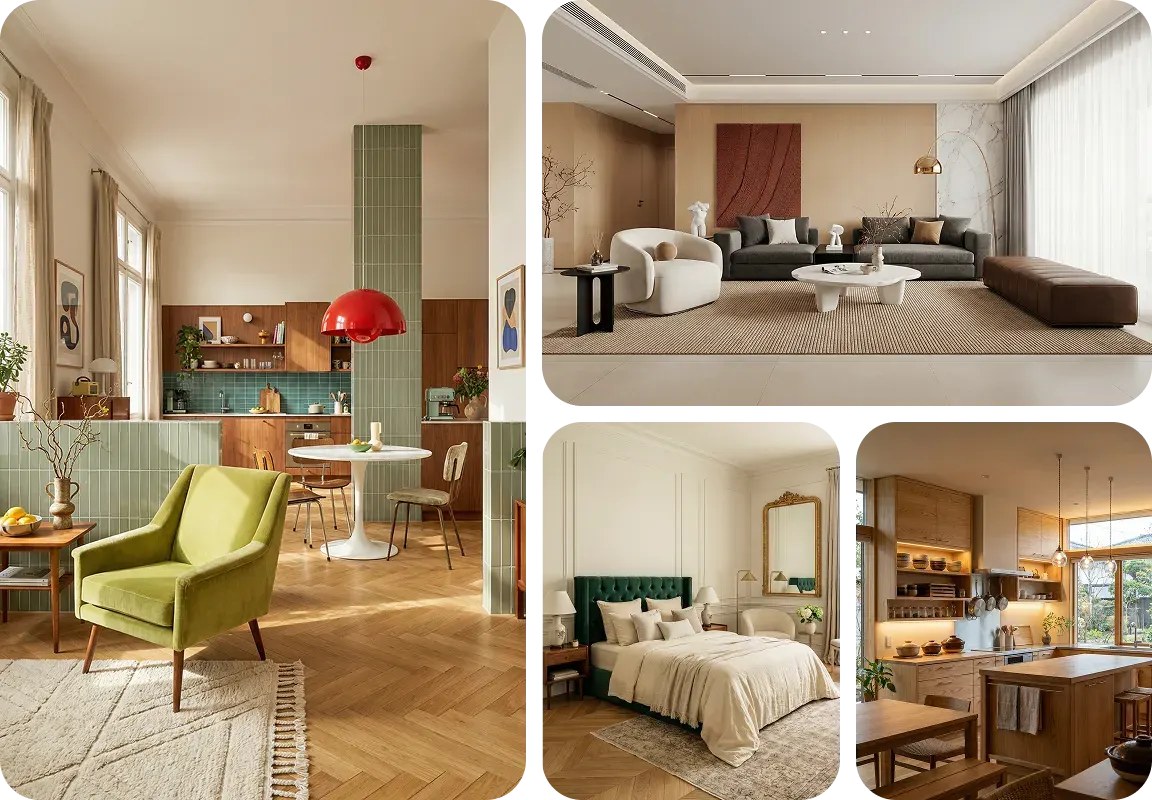
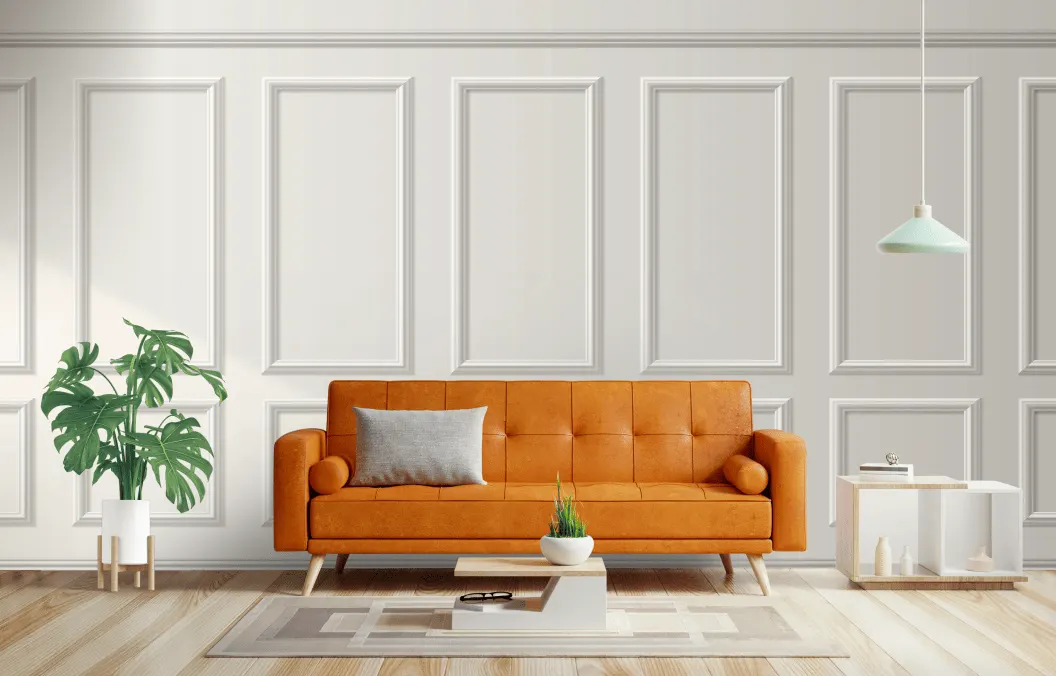
15 seconds only to bring your ideas to life
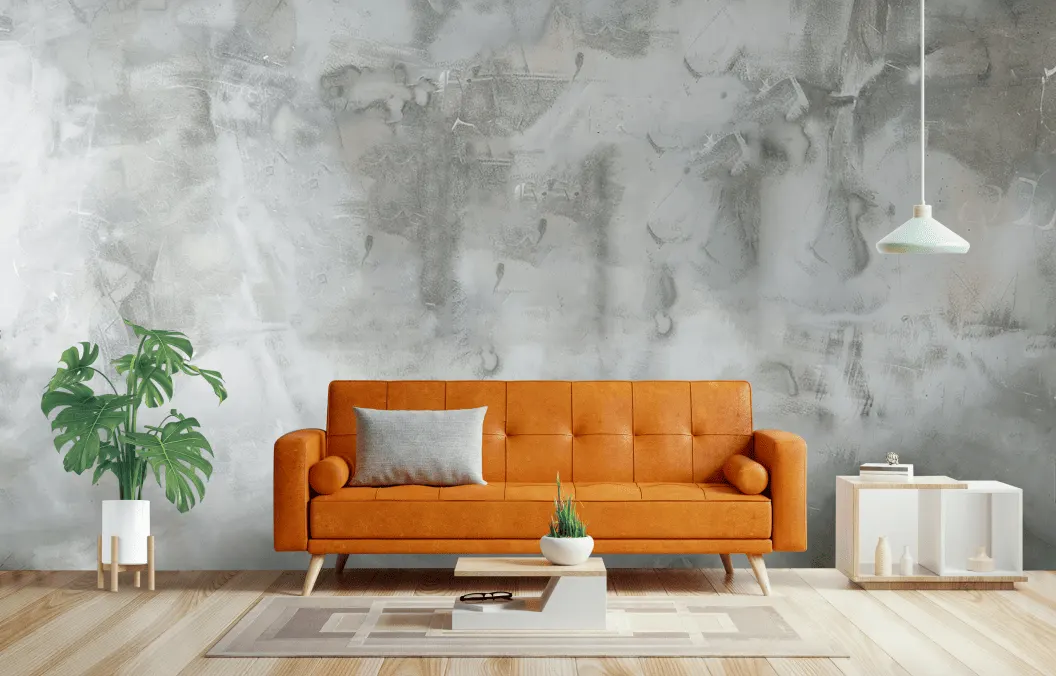
House AI, as an AI-powered interior design tool, helps to stage and decorate any space with stylish furniture, décor, and more, all in just 15 seconds! If you get the paid plans, the whole process gets much faster! No more endless back-and-forth sketching and revisions.
Get started for freeAI-driven, no manual work
Upload a photo and our AI analyzes the space, lighting, proportions, and architectural details to generate tailored designs in about 15 seconds, no manual modeling or work needed.
Pro design at your fingertips
Our AI auto applies core design logic, color theory, spatial balance and flow, to create Pro-level room designs in seconds, just like expert designers always on demand.
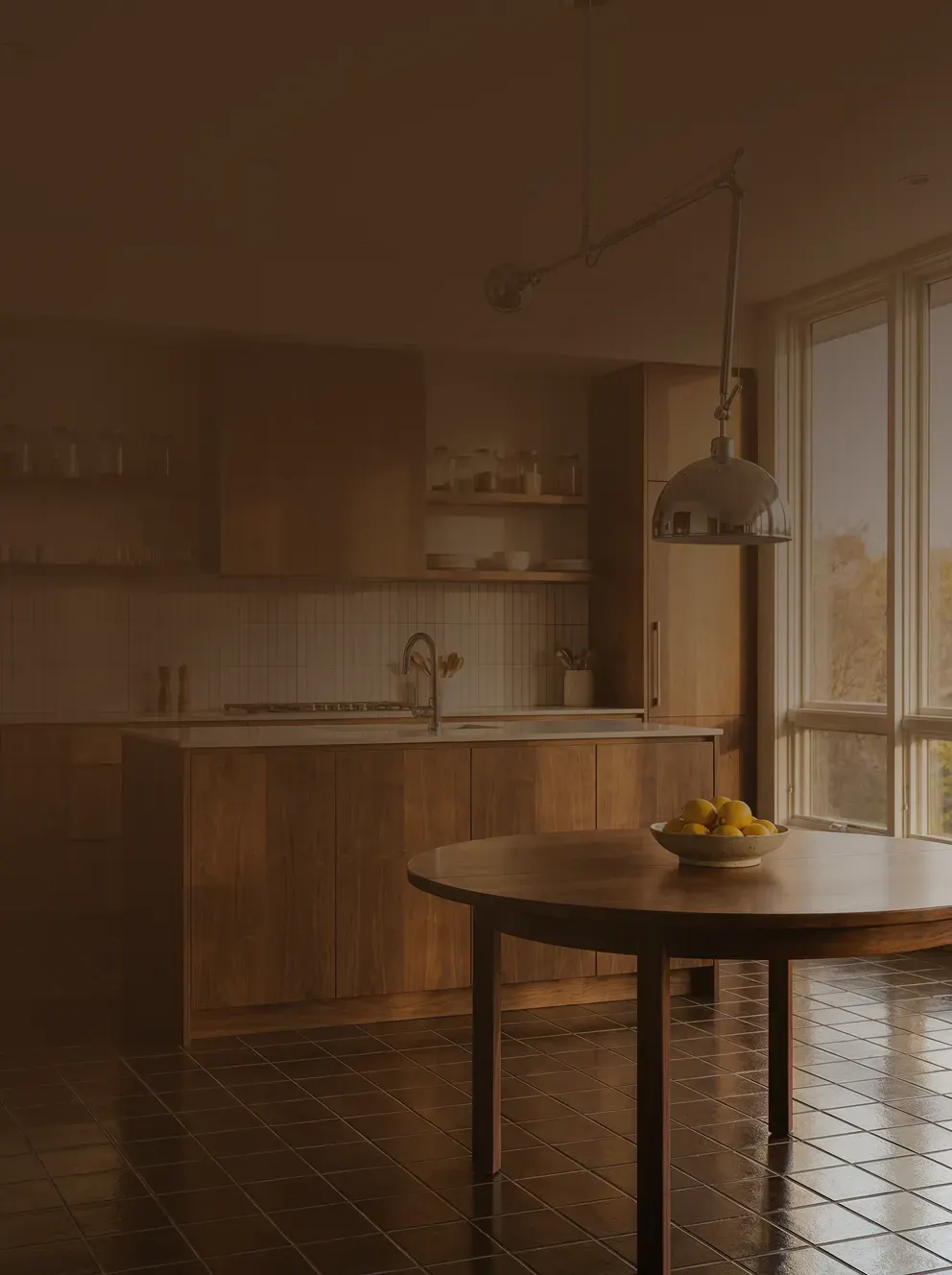
Your perfect AI interior design generator & planner
House AI stands out from other AI tools and traditional design software in four key ways
Easy to share & export
One click to download the design for instant sharing, presentation, client review or inserting it into your docs, seamlessly integrating it to your workflow.
Design anytime, anywhere
In addition to the web version, House AI is available on both iOS and Android, so you can design wherever ideas pop up, like waiting for coffee or relaxing at home.
How to use our AI tech for interior design?
House AI makes the whole process quite simple for everyone, all in just 3 steps:
Upload
Upload a clear, wide-angle photo of your interior space.
Customize
Select the room type, style, and color based on your project needs.
Generate
Get photorealistic designs in 15 seconds, download or tweak.
Who benefits the most from House AI?
House AI is built for everyone who wants beautiful interior designs, fast, easy, and professional.

Homeowners
Preview and redesign your garden, patio, or house exterior before starting any renovation.

Realtors
Enhance property listings by showcasing the true potential of any home's exterior.

DIY Enthusiasts
Test out paint colors, siding options, and landscaping ideas before committing to the work.

Architects
Quickly generate photorealistic exterior visualizations to present concepts to clients.

Contractors
Showcase proposed renovations and material changes to clients instantly.

Landscapers
Visualize garden and patio designs in harmony with the existing building facade.
Still not sure? See what our users are saying
Over 1 million downloads across 175+ countries are using House AI to evolve their home and design careers.

Daniel Rodriguez, a home designer
"I initially tried House AI just for quick inspiration, but it ended up becoming part of my early design workflow. For exterior concepts, it helps me explore directions fast and align with clients before moving into detailed drawings."
From raw ideas to mature design, all in one platform
House AI offers a full set of AI-powered features to support your entire home or building design workflow, all in one place, with no need to switch between tools.
Turn your backyard into a personalized one, AI crafts layouts that fit your outdoor dimensions and lifestyle.
Explore now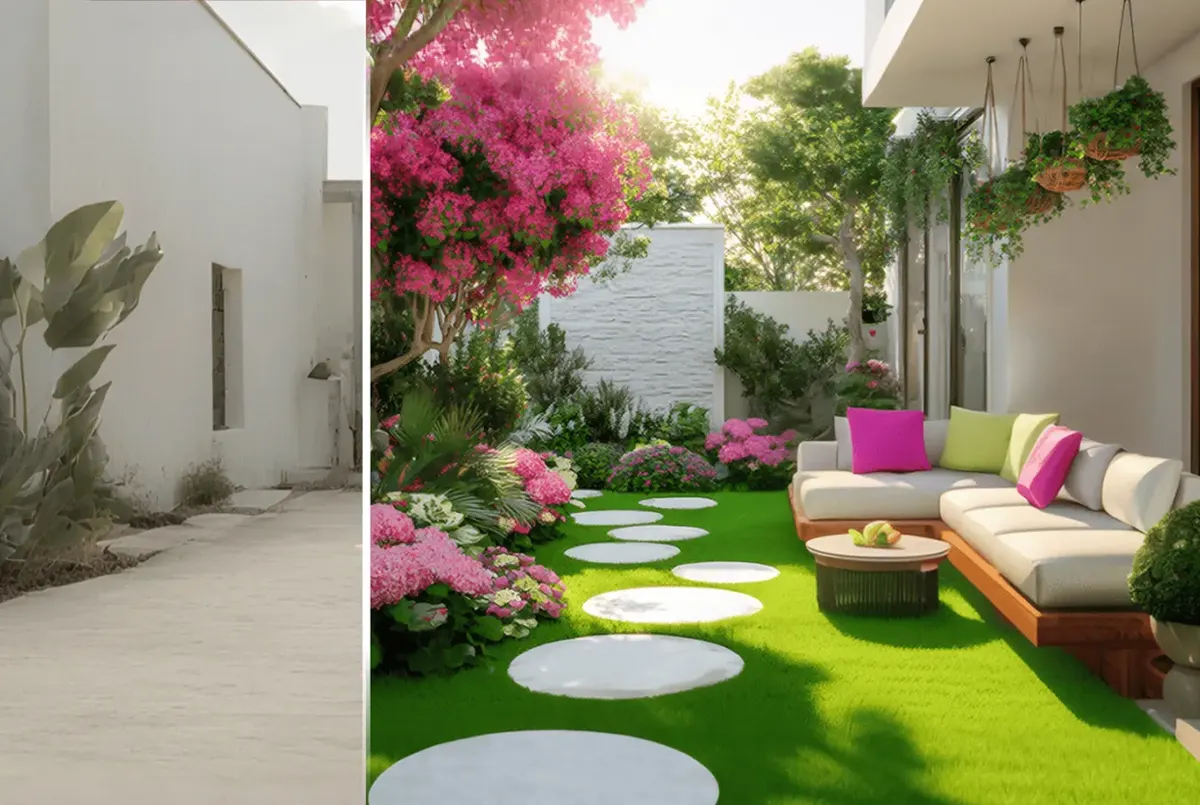
Discover more design ideas & examples
Also explore a live library of real home and space interior design examples for your next project or for instant inspiration.