
Transform Your Home
Between Styles in Seconds
Apply any style from a reference image to your room or building photo in seconds.




Your best free AI style transfer assistant
House AI instantly applies the style of your preference photo to your real room and building photo, so you can quickly explore endless design styling possibilities at just fingertips.
Original style aesthetic, flawlessly transferred
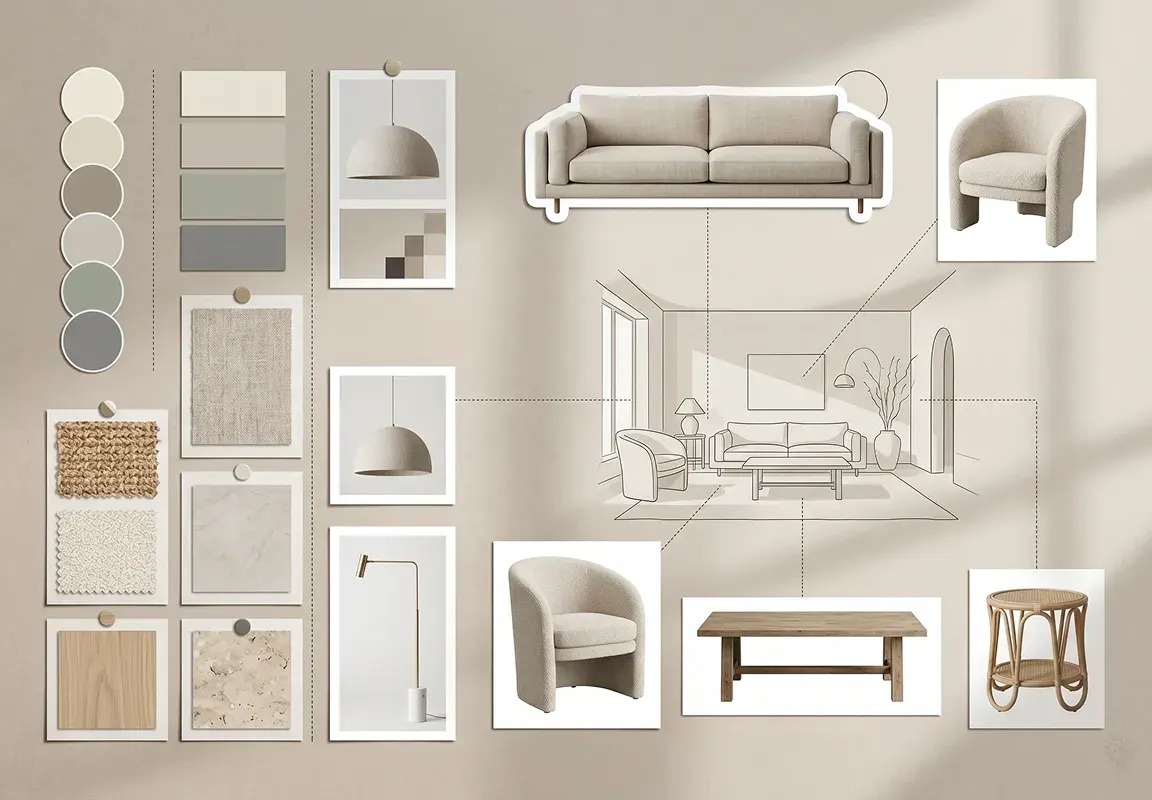
House AI auto reads all possible style elements in your preference photo and flawlessly transfer to your design, including:
- Color schemes
- Textures & materials
- Furniture styles & characteristics
- Overall mood & atmosphere
- And much more
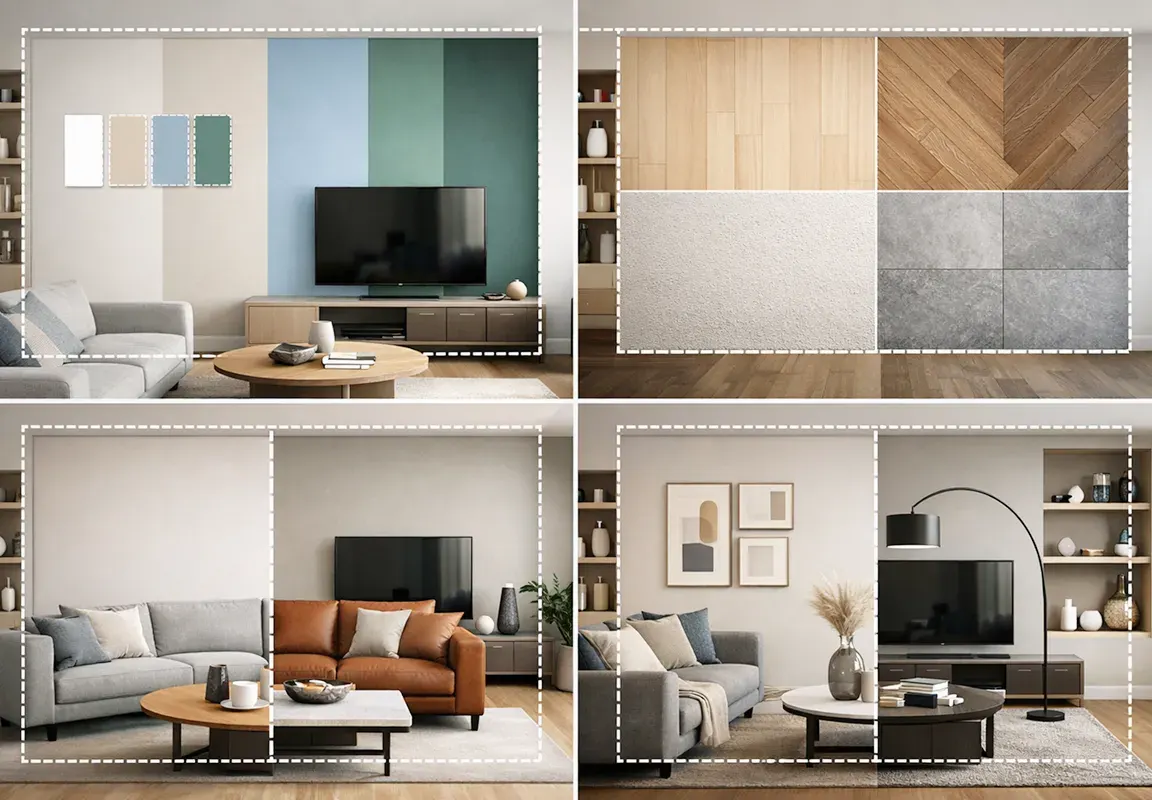
All-in-One Style Transfer for interiors, exteriors & architecture
With 15+ room and building types, House AI handles all your interior, exterior, and architectural design style transfers, seamlessly, in one place. No more jumping between different apps or platforms.
Get started for freeEasily replicate styles from Pinterest, Instagram & beyond
Screenshot any design you love when scrolling on Pinterest, Instagram, Midjourney, magazines, or any AI platform. House AI auto extracts every style element and transfers it to your space, no matter where your inspiration comes from.
Get started for free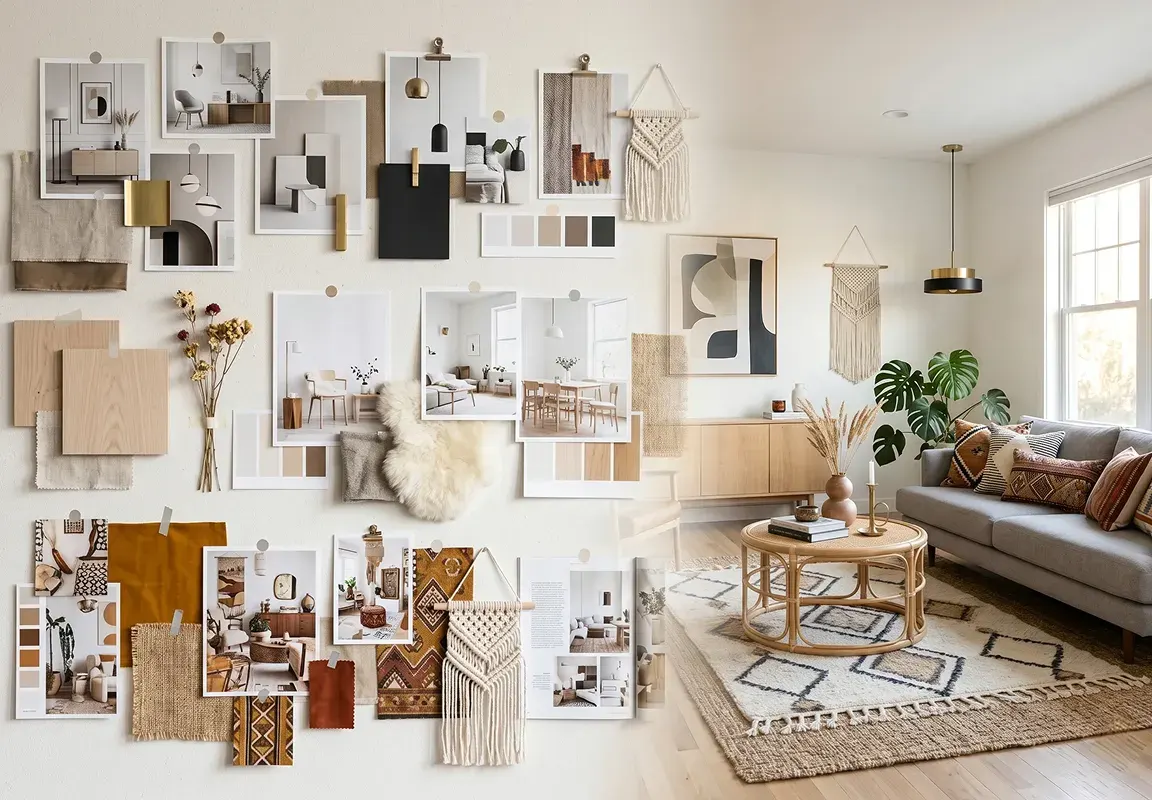
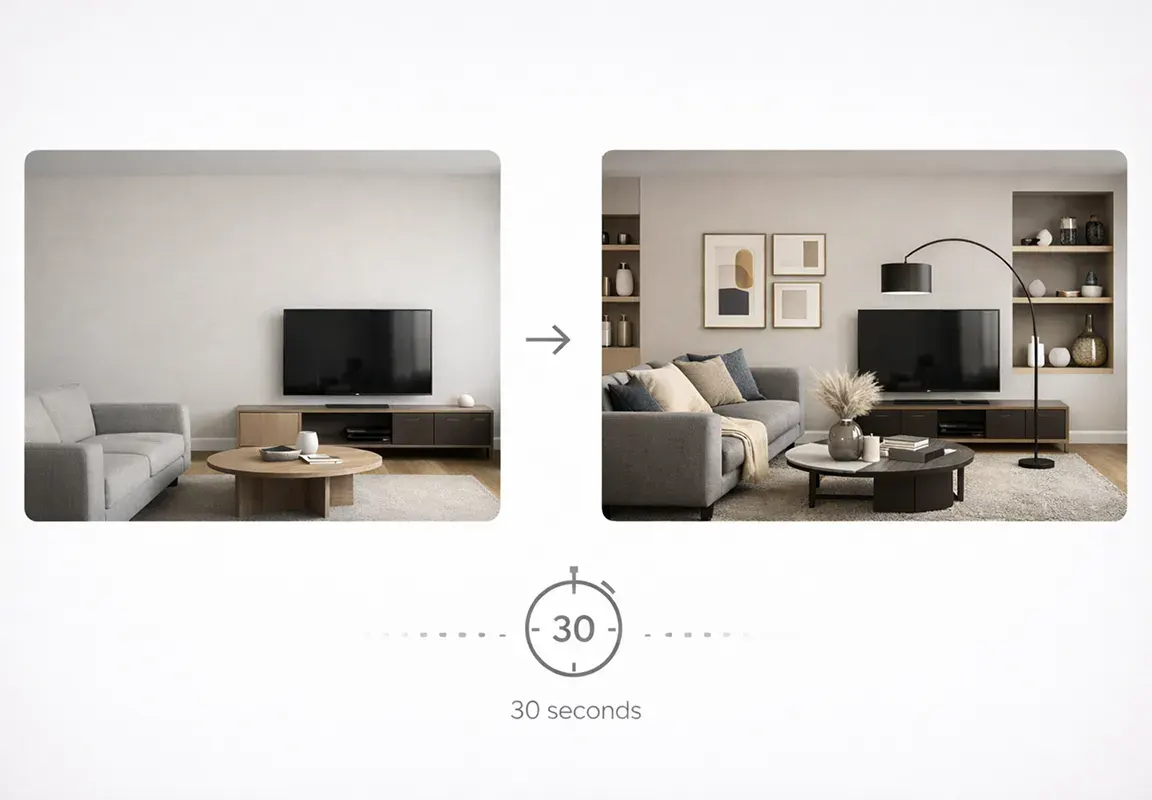
Fast, accurate style matching
House AI preserves lighting, proportions, and spatial context so transferred styles look natural in your actual photo.
Get started for freeTransfer your designs between styles in 4 steps
Upload your space
/ 01Upload a clear photo or design of the space or building you want to transform.
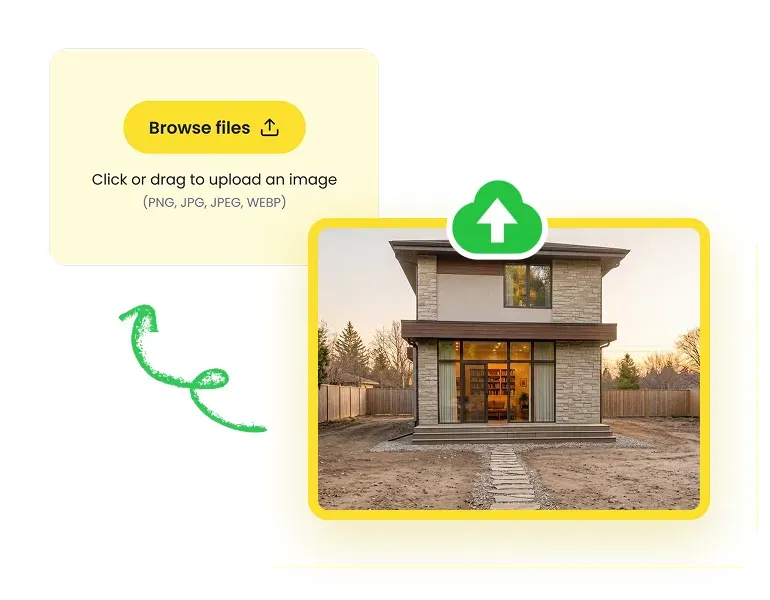
Choose style reference
/ 02Add a reference image with a style you love - from Pinterest, Instagram, or your own mood board.
Select room type
/ 03Choose the room or space type to help the AI better understand and optimize the results.
Apply style
/ 04Let the AI analyze the style elements and instantly transfer the style in seconds.
Land even your boldest style ideas in seconds, all in House AI
With House AI Style Transfer tool, you can continuously bring any style idea to life, from start to finish, inside and out, in the fastest, most seamless way possible.
Quickly transfer styles
Upload your inspiration photos and instantly explore, compare, and experiment with as many styles as you like, until you discover the perfect fit.
Precisely refine details
After style transfer, fine tune wall, floor, furniture, textures and more, making every corner of your space look exactly as you envisioned.
Instantly preview & share
Download your finished design and share it instantly with clients, collaborators, or on social media. Fully portable, cross-platform, and convenient.
When to use House AI Style Transfer ?
As a powerful image-to-image style transfer tool, House AI fits naturally into every scenario and stage of your home or building design workflow:
Who is House AI Style Transfer perfect for?
As an intelligent image style transfer tool online, House AI is perfect for anyone who want to try multiple styles on their space in the quickest way:

Homeowners & renters
Stop imagining how your space could look. See it - in any style, instantly and for free.

Interior & exterior designer
Wow your clients with multiple photorealistic style options delivered in seconds, not days.

Architects
Explore interior and exterior styles across any building type, all without switching between tools.

House agents
Stage and style any property virtually - making every listing look its absolute best.

Shop & restaurant owners
See exactly how your commercial space looks in any style before spending a single dollar.

Directors & brand designers
Keep every space aligned with your brand aesthetic, effortlessly and consistently.
Influencers
Create stunning interior visuals for your feed, stories, or portfolio in seconds.
Design teams & agencies
Share photorealistic style previews with your team or clients instantly, from any device.
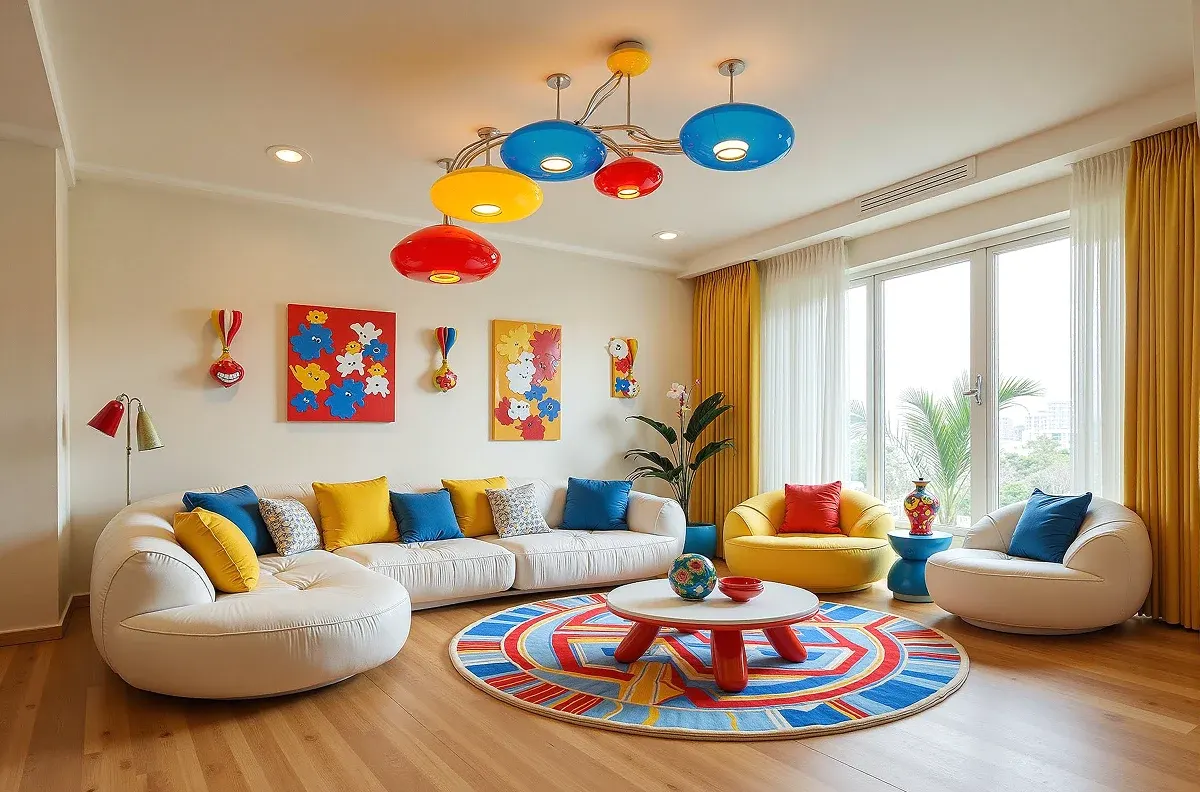
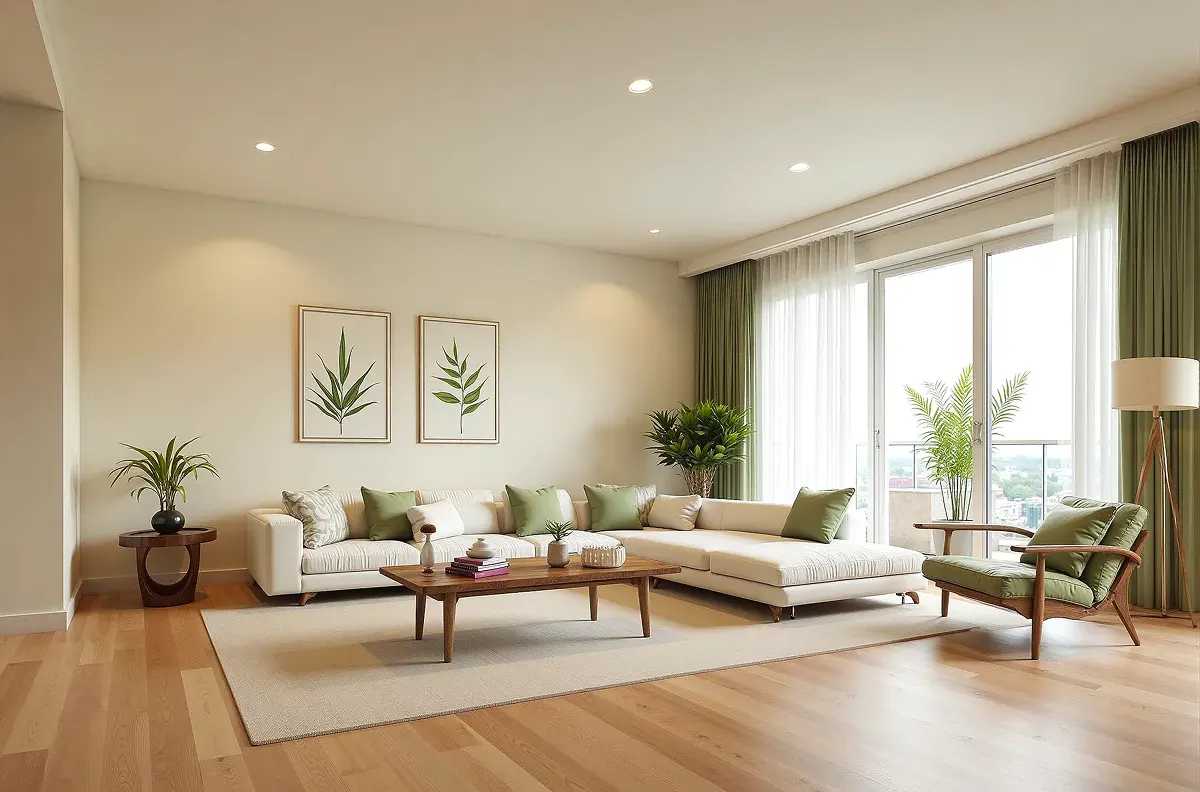
Stunning real transformation examples in action
Words never tell the full story. Here's what House AI Style Transfer actually looks like in action, real spaces, real styles, real transformations.
Still not sure? See what our users are saying
Over 1 million downloads across 175+ countries are using House AI to evolve their home and design careers.

Daniel Rodriguez, a home designer
"I initially tried House AI just for quick inspiration, but it ended up becoming part of my early design workflow."
House AI has all the tools you need for home design
As an all-in-one online home design hub, House AI goes beyond intelligent style transfer, it helps you design your entire home or shop, inside and out.
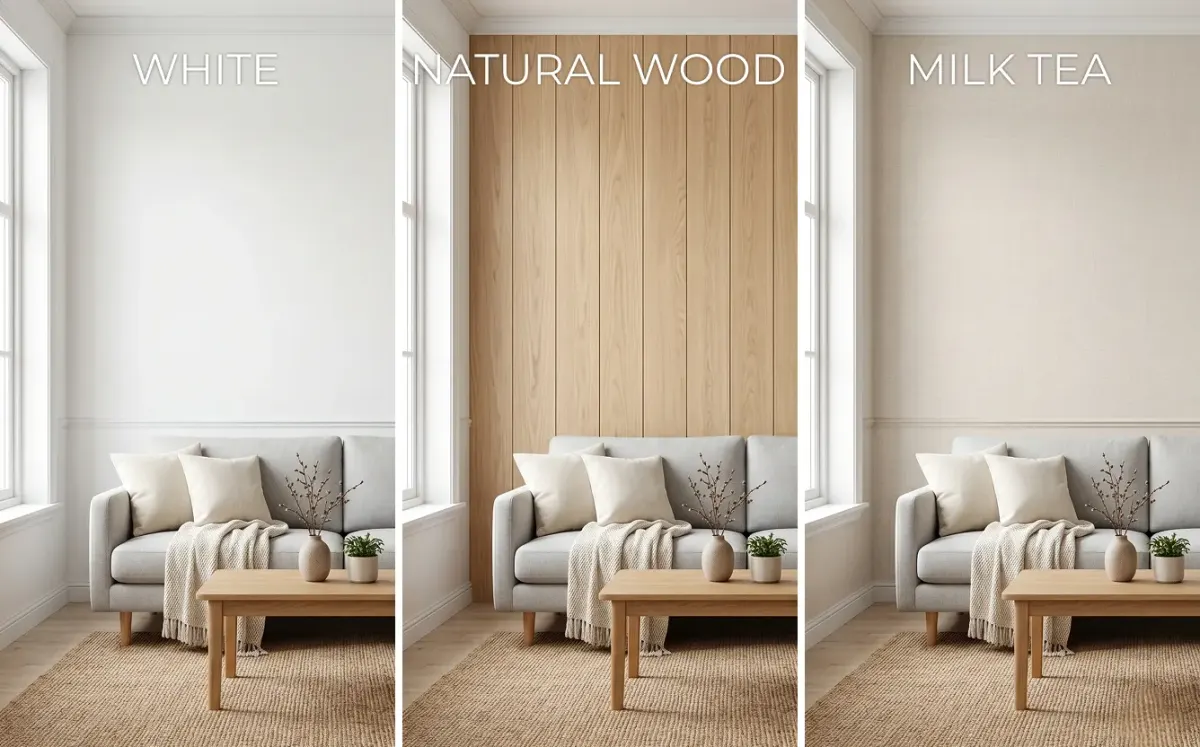
Quickly preview your room with different wall colors, wallpapers, textures, and finishes.