With remote work here to stay, your home office is no longer a spare corner, it is a space that directly impacts your productivity, focus, and wellbeing. The right design can help you enter deep work faster and leave work behind at the end of the day.
Whether you have a dedicated room or a nook in the living room, small design decisions compound into a workspace that either drains your energy or fuels your best work. In this guide, we break down the five pillars of a high-performance home office, and show you how to preview every change with AI before you buy a single item.
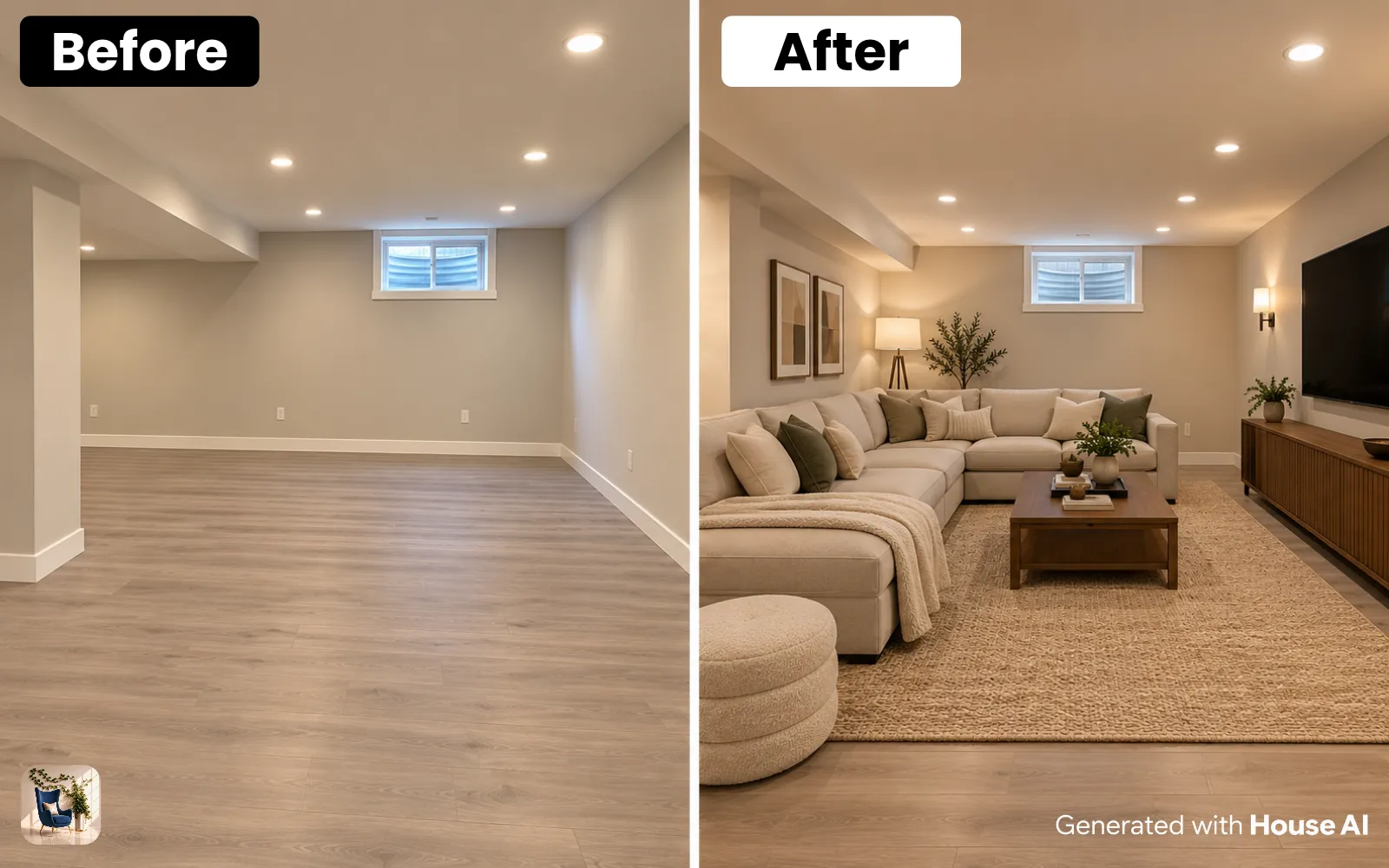
Design any room, shop or space with House AI in about 15 seconds. 1 free design a day.
Get Started TodayEssential Home Office Design Elements
Every productive home office shares a few non-negotiable foundations. Get these right first, then layer in personality and style.
Natural Light
Position your desk near a window. Natural light reduces eye strain and improves mood throughout the workday.
Ergonomic Setup
Invest in an adjustable chair and monitor at eye level. Your back will thank you after long sessions.
Clutter Control
Closed storage keeps visual noise low. A clean desk signals a clear mind.
Acoustic Comfort
Rugs, curtains, and bookshelves absorb sound, essential for video calls and concentration.
Choosing the Right Location
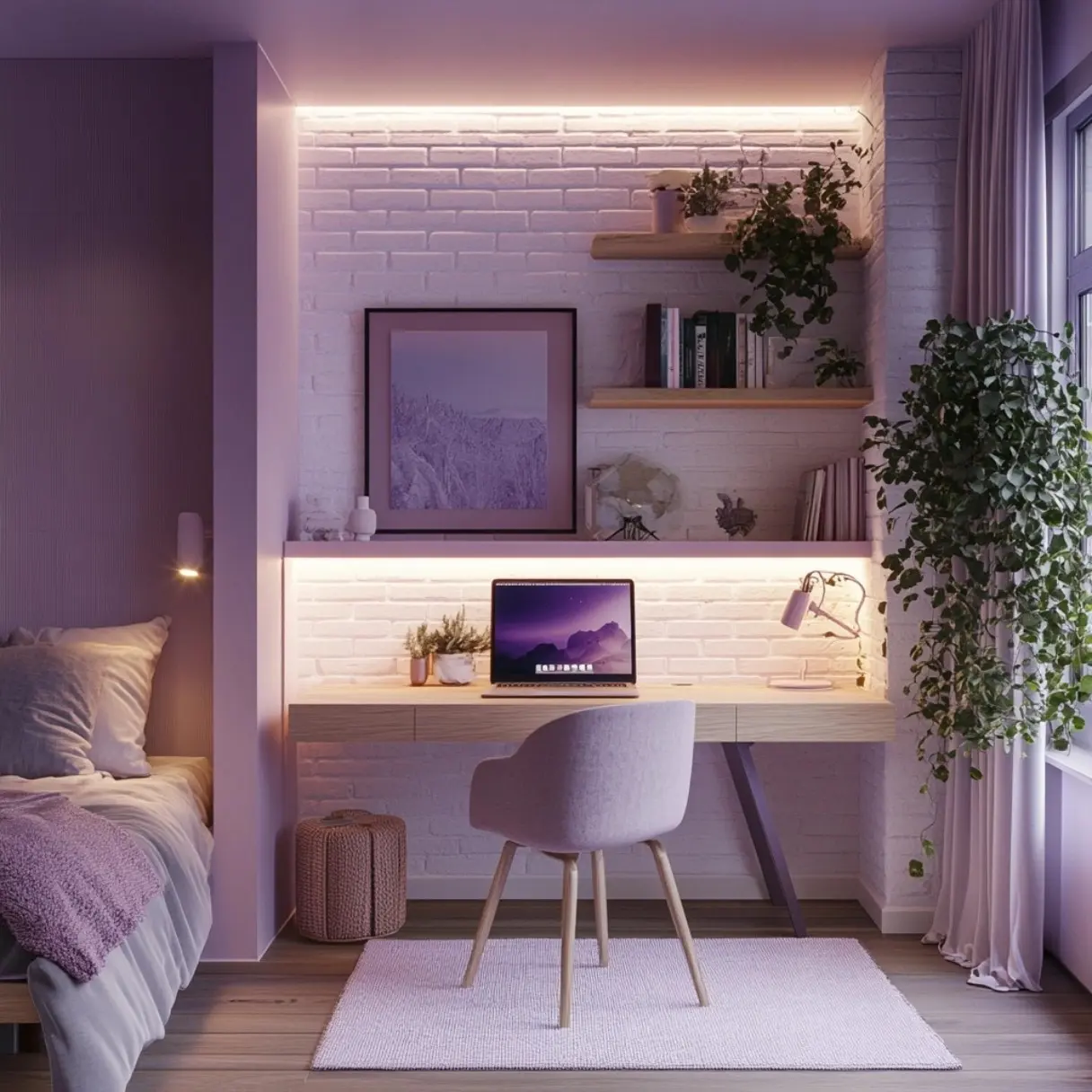
Location is the single biggest factor in how often you actually use your home office. The best spot balances privacy, natural light, and proximity to household activity, close enough to stay connected, far enough to focus.
- Avoid placing your desk with your back to a high-traffic area
- Choose a spot with at least one window for daylight and ventilation
- Ensure a strong Wi-Fi signal or plan for a wired ethernet connection
- Keep the workspace separate from your bed to protect sleep quality
Lighting for Focus and Video Calls
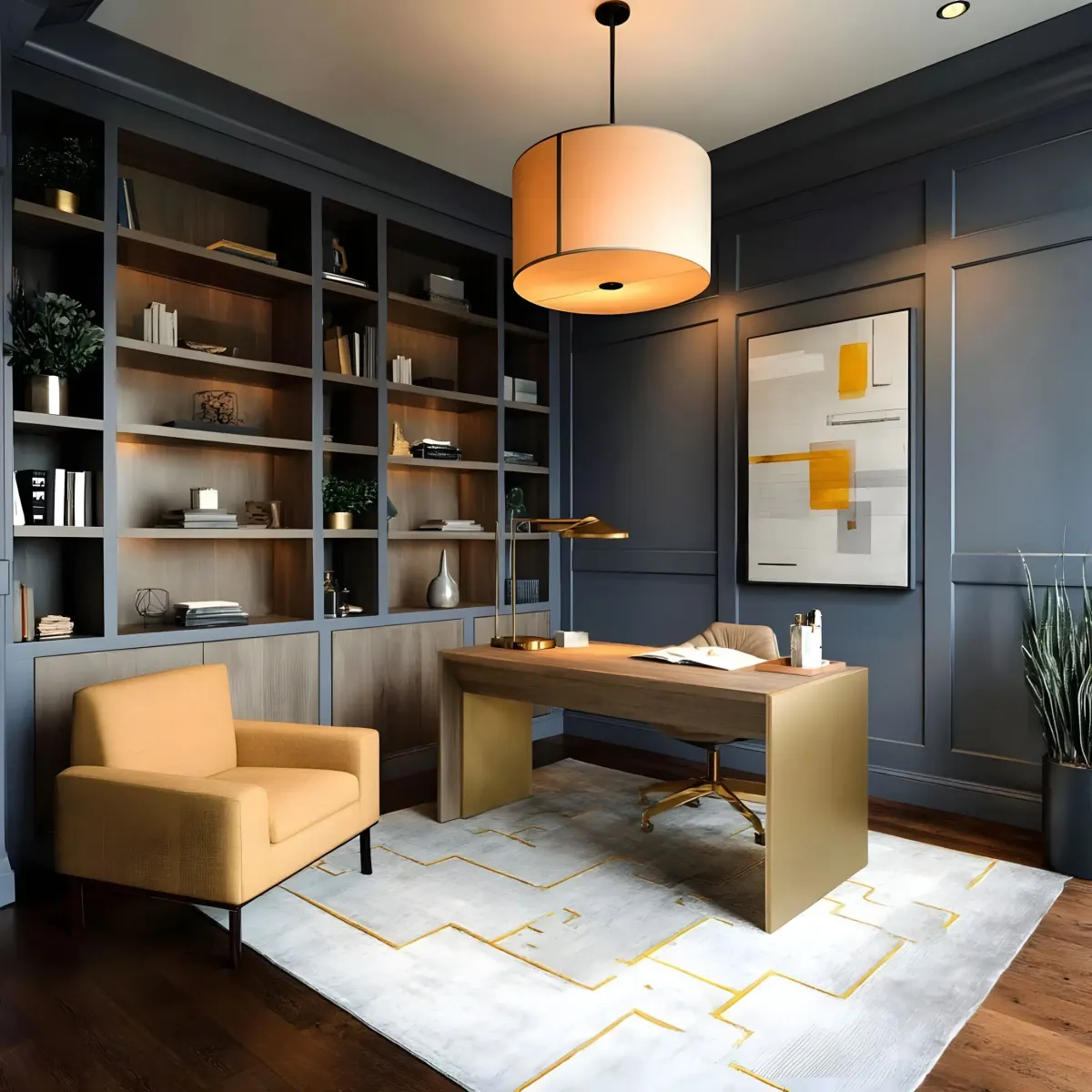
Poor lighting causes headaches, fatigue, and unflattering video calls. Layer three types of light (ambient, task, and accent) to create a workspace that works as hard as you do.
Ambient Lighting
Overhead fixtures or recessed lights provide general illumination. Choose warm-white LEDs (2700K–3000K) for a comfortable glow.
Task Lighting
A quality desk lamp with adjustable brightness eliminates shadows on your keyboard and documents.
Video Call Lighting
Place a soft light source in front of you, never behind. A ring light or window-facing setup prevents the silhouette effect on Zoom.
Ergonomic Furniture and Desk Layout
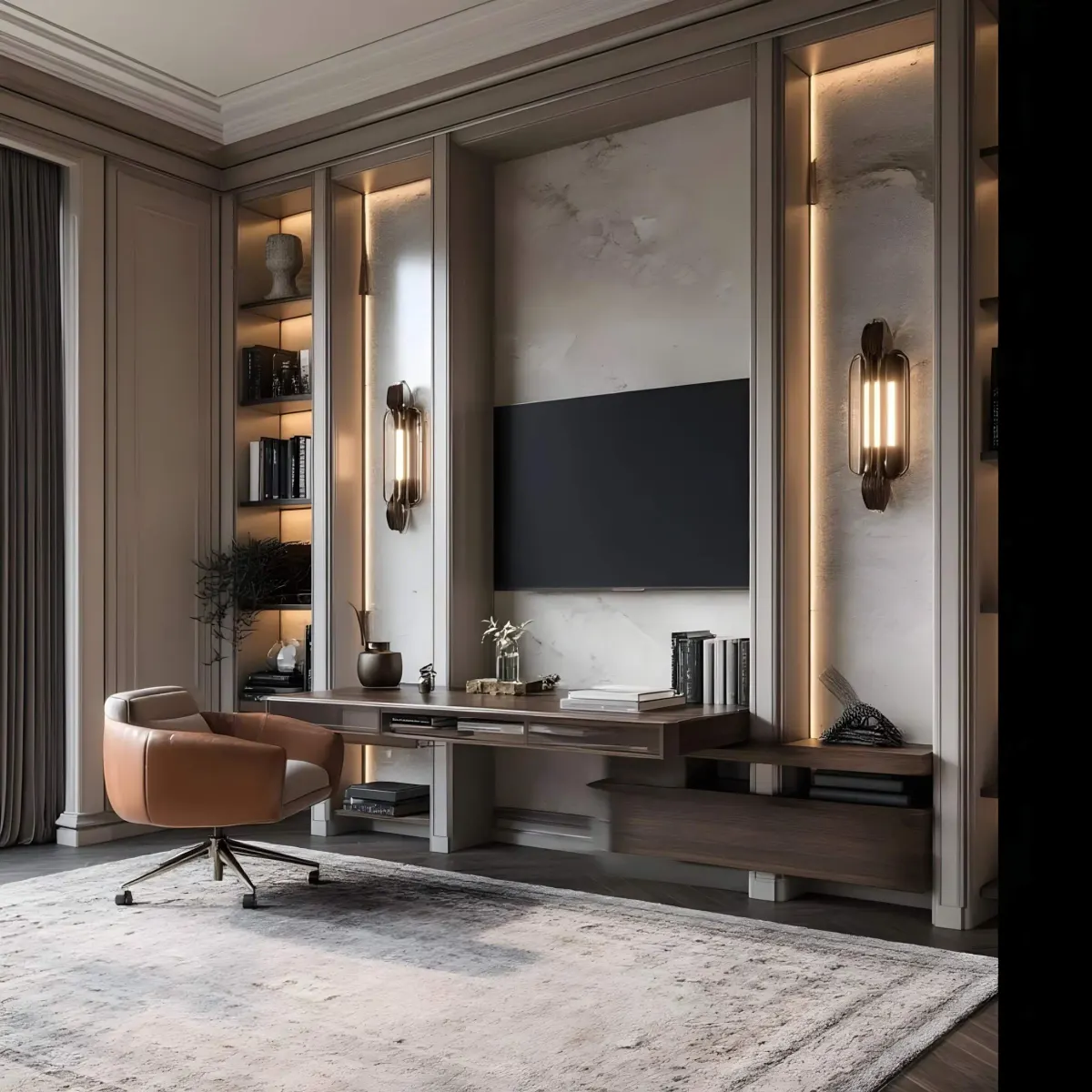
Your body spends eight or more hours in this chair, ergonomics are not optional. The right furniture layout also determines how efficiently you move through your workday.
- Monitor top edge at or slightly below eye level, arm's length away
- Chair height so feet rest flat on the floor with knees at 90 degrees
- Keyboard and mouse at elbow height to prevent wrist strain
- Standing desk or desk converter to alternate sitting and standing
- Cable management tray or clips to keep cords off the floor
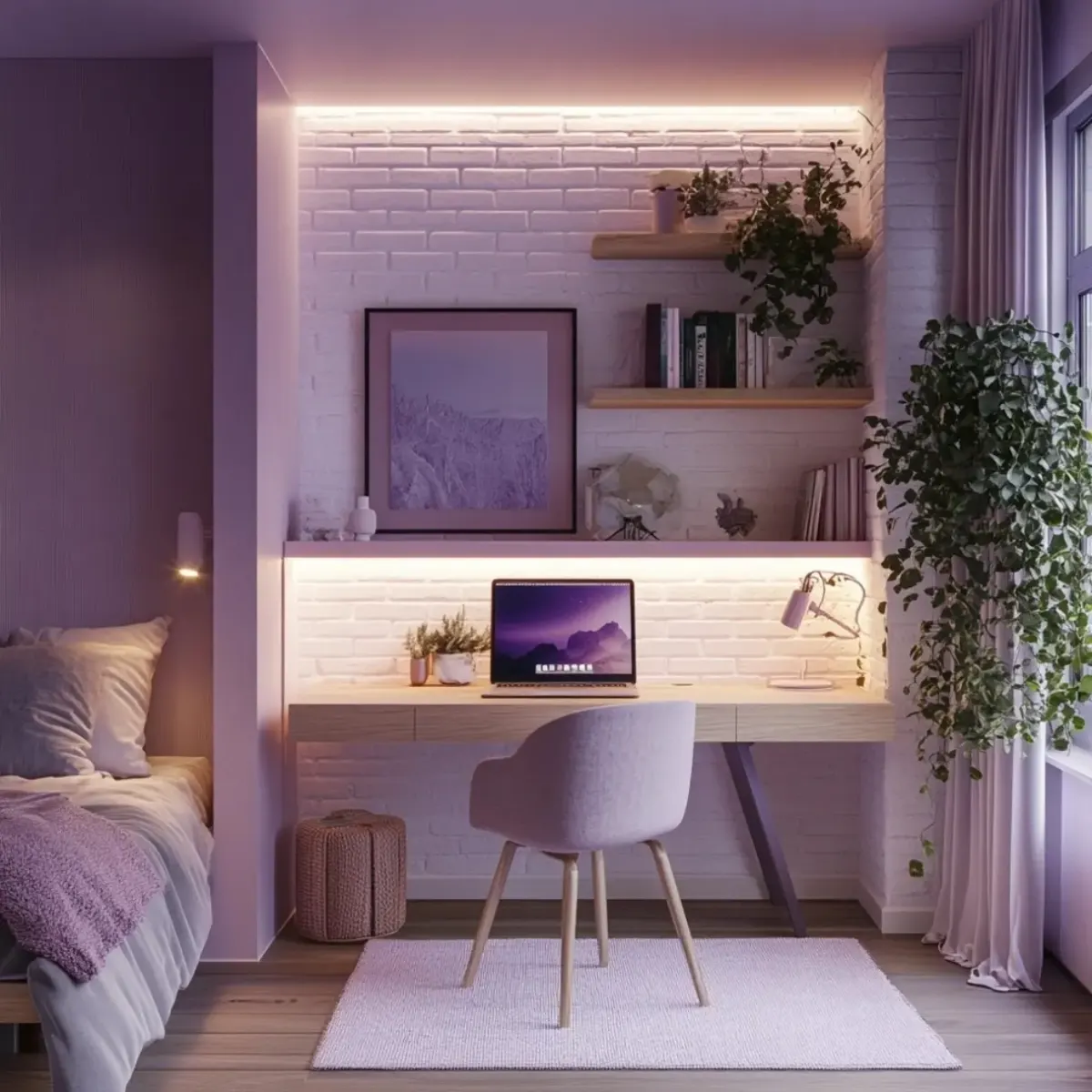
For small spaces, a wall-mounted fold-down desk or a slim console table doubles as a workspace without dominating the room. Use House AI to test different desk placements and furniture sizes before committing.
Color Psychology for Productivity
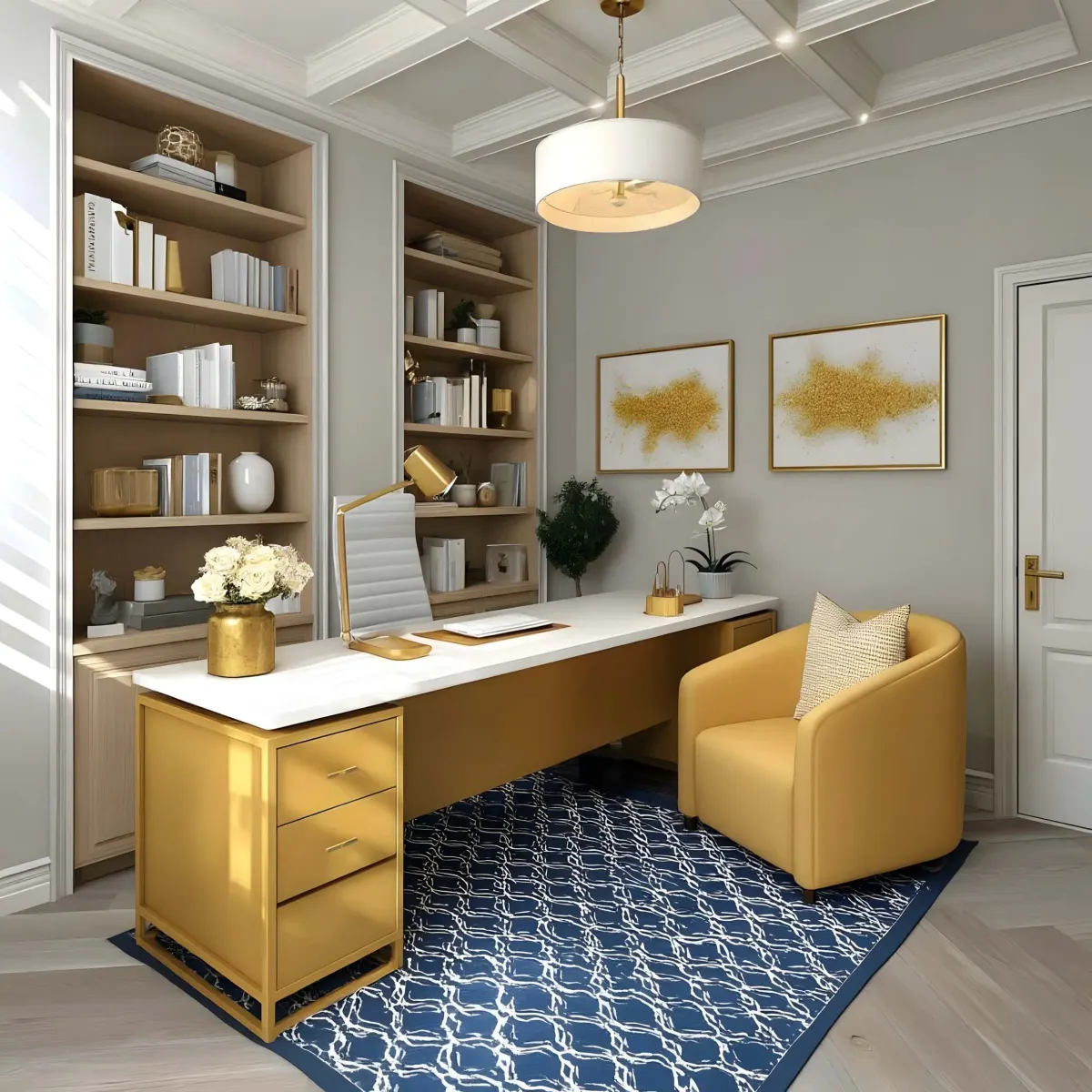
Color directly affects mood and concentration. Cool tones promote focus, warm tones encourage creativity, and neutrals keep visual noise low. The best palette depends on the type of work you do most.
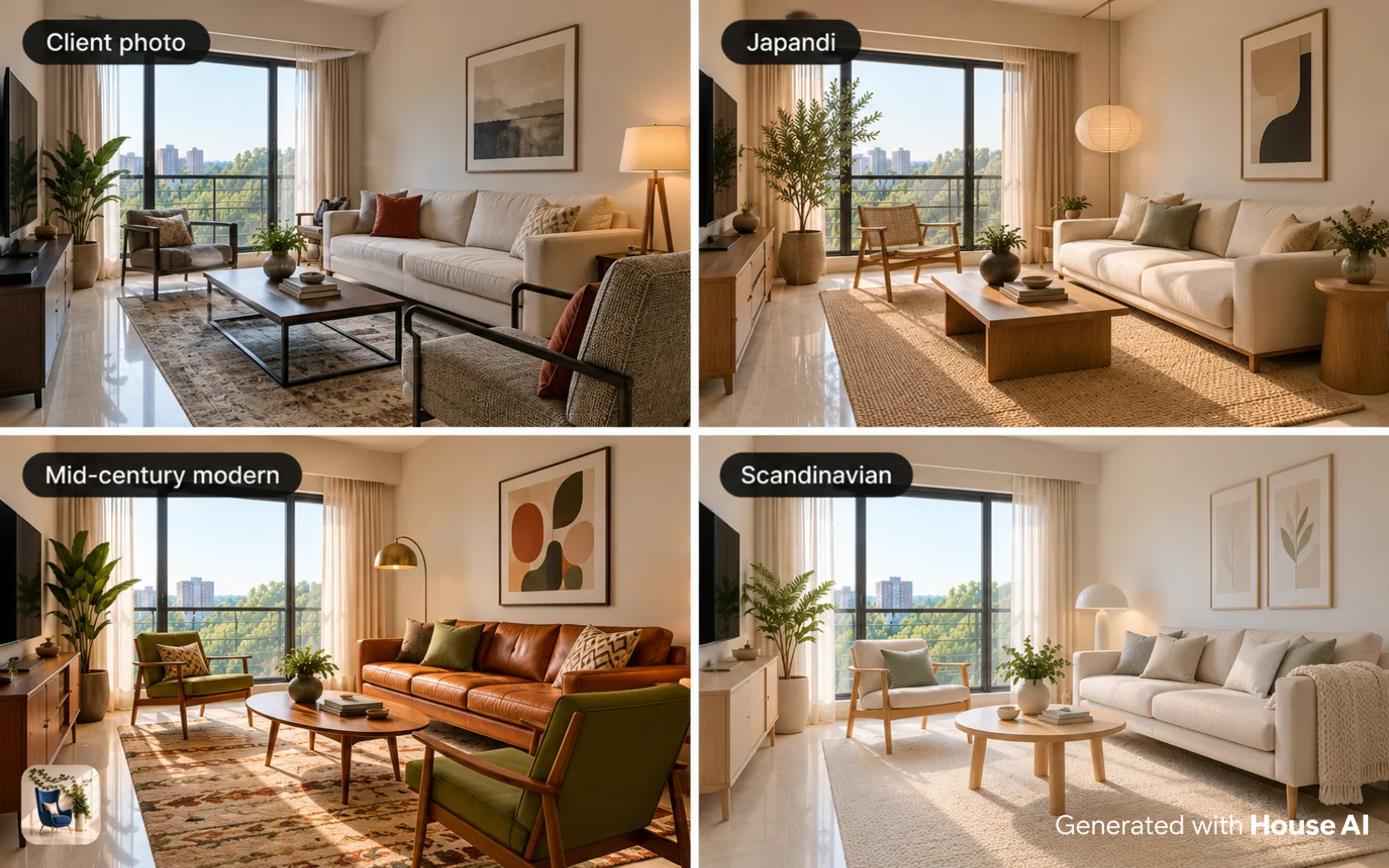
Pro Tip: Use House AI to preview three different color schemes on your actual room photo. You will be surprised how much a wall color change affects the entire feel of your workspace.
Creating Work-Life Boundaries at Home
The hardest part of working from home is knowing when to stop. Physical and visual cues help your brain switch between work mode and personal time, even in a studio apartment.
End-of-Day Ritual
Close your laptop, tidy your desk, and turn off your task lamp. A consistent shutdown routine signals your brain that work is done.
Visual Barriers
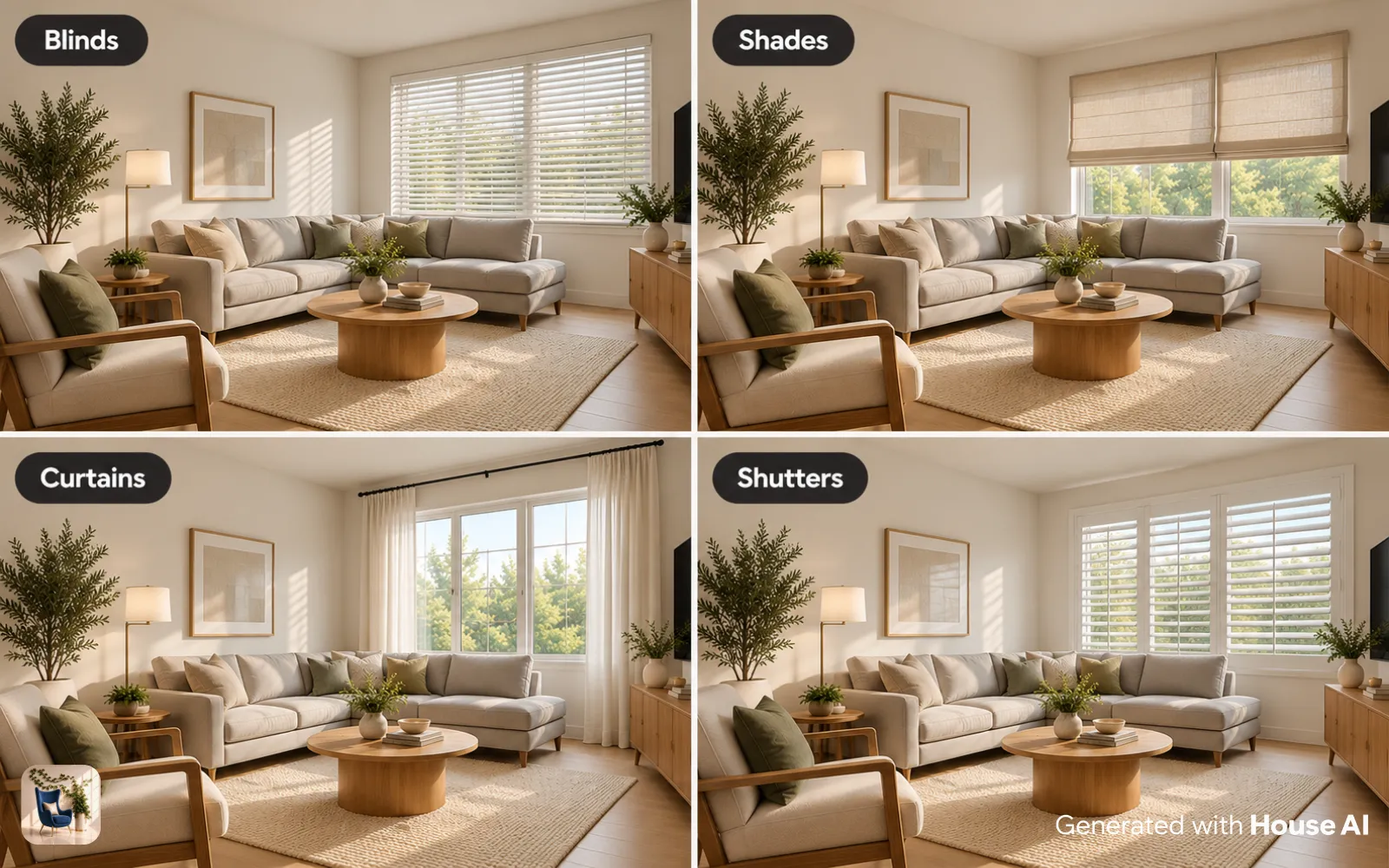
A folding screen, curtain, or bookshelf creates a psychological wall between work and living areas.
Dedicated Storage
Store work materials in a closed cabinet or drawer so they disappear from view after hours.
Separate Devices
If possible, use a work-only monitor and keyboard that stay in the office zone.
Design any room, shop or space with House AI in about 15 seconds. 1 free design a day.
Get Started TodayDesign Your Ideal Workspace: Upload a photo of your home office and preview furniture, colors, and layouts with House AI.
"I redesigned my home office with House AI before buying anything. The AI showed me that my desk was facing the wrong direction, a simple change that completely transformed my focus.", Rachel K., Freelance Designer
The Bottom Line
A productive home office is not about having the most expensive furniture, it is about intentional choices around light, layout, ergonomics, color, and boundaries. Start with the fundamentals in this guide, then use House AI to visualize every upgrade before you spend a dollar. Your most focused workdays are one photo upload away.
Design any room, shop or space with House AI in about 15 seconds. 1 free design a day.
Get Started TodayFAQ: Home Office Design
What is the ideal desk position for productivity?
Perpendicular to the window: daylight across the desk without screen glare or a silhouetted video call. Facing a wall beats facing the room's distractions; add art at eye level so the wall is not a void.
What lighting prevents eye strain in a home office?
Pair a 4000K task lamp on the desk with a warm 2700K ambient lamp elsewhere in the room. All-cool light is fatiguing; all-warm light is nap-inducing; the pair covers focus and comfort.
How do I make a shared-room office feel separate?
A rug under the desk zone, a plant or shelf as a soft boundary, and a lamp that only runs during work hours. The lamp trick doubles as a commute: on is the office, off is home.
Can AI redesign my home office?
Yes, photograph the corner and House AI will restyle it complete with layout and storage cues. Rendering the office you would like to sit in is a shockingly effective procrastination cure.