We are thrilled to announce the launch of House AI's Exterior Design module, our biggest product update to date. After months of development and testing, you can now reimagine your home's facade, landscaping, and curb appeal with the same AI-powered magic that has transformed interior design for millions of users.
Design any room, shop or space with House AI in about 15 seconds. 1 free design a day.
Get Started TodayWhat's New in Exterior Design
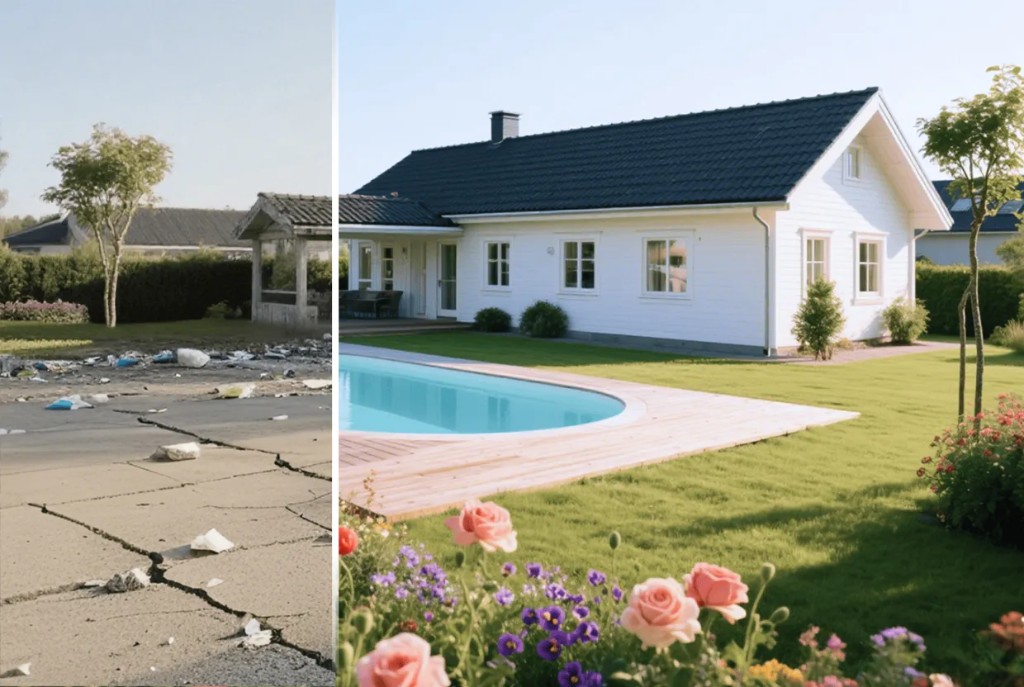
The Exterior Design module lets you upload a photo of your home's exterior and explore paint colors, siding materials, roof styles, landscaping options, and architectural details. Results are photorealistic and generated in seconds, giving you a clear vision before hiring contractors or buying materials.
Key Features
How to Use Exterior Design
Step 1: Photograph Your Home
Take a clear, front-facing photo of your home during daylight. Include the full facade, roof, and front yard for best results.
Step 2: Open Exterior Design
In the House AI app, select Exterior Design from the feature menu. Upload your home photo.
Step 3: Choose Your Changes
Select paint colors, siding types, roof materials, and landscaping options from the style library.
Step 4: Generate & Compare
Create multiple variations and use the before/after slider to compare options side by side.
Step 5: Share & Plan
Download your favorite renders and share them with contractors, HOAs, or neighbors for feedback.

Design any room, shop or space with House AI in about 15 seconds. 1 free design a day.
Get Started TodayWho Is Exterior Design For?
Whether you are planning a full exterior renovation, considering a new paint color, or simply exploring landscaping ideas, Exterior Design gives you the confidence to move forward. Real estate agents use it for virtual staging. Homeowners use it to plan renovations. HOAs use it to preview approved color schemes.
Launch Special: Exterior Design is free for all House AI users during the launch period. Upload your home photo and start exploring today.
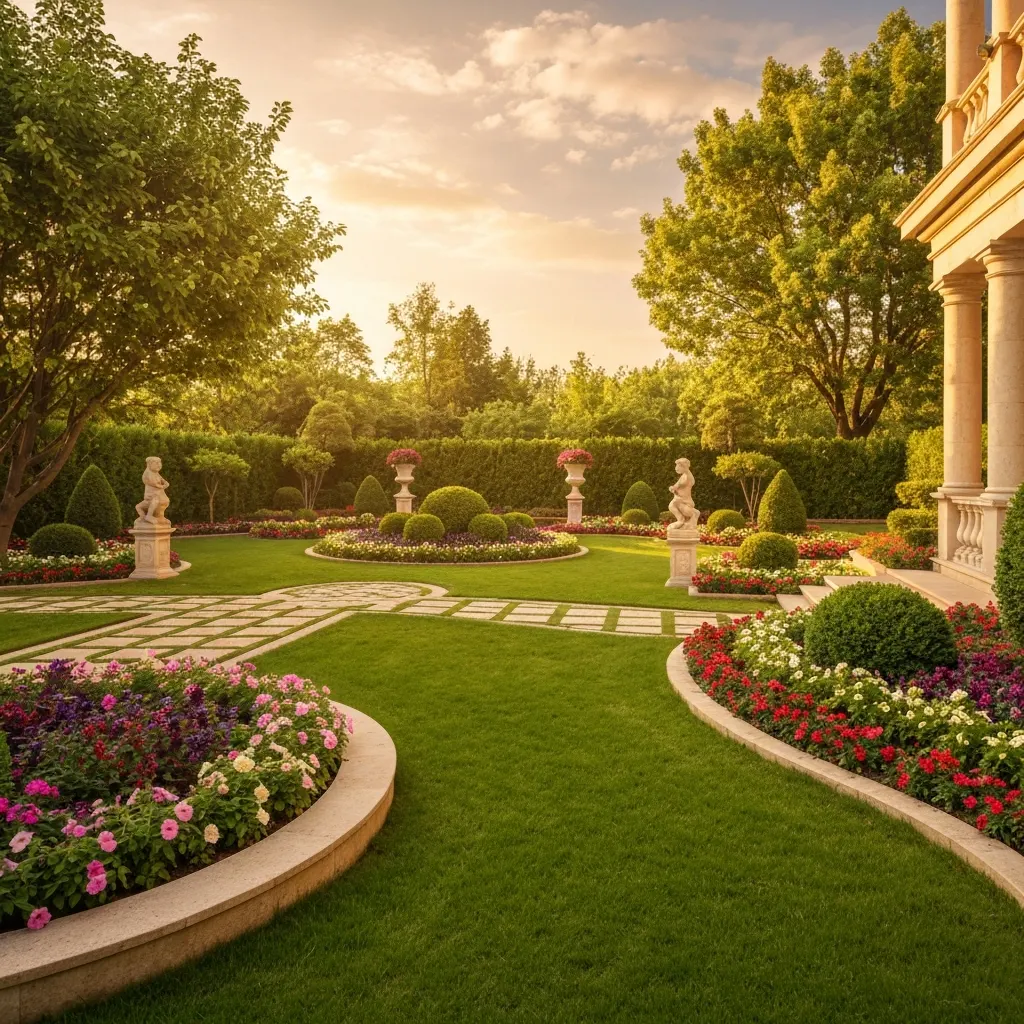
Transform Your Curb Appeal: Upload a photo of your home and see AI-generated exterior designs in seconds.
Design any room, shop or space with House AI in about 15 seconds. 1 free design a day.
Get Started Today"I showed my contractor three House AI exterior renders and we agreed on a plan in one meeting. It would have taken weeks of back-and-forth otherwise.", The House AI Team
Exterior Design is available now for all House AI users on web and mobile. We cannot wait to see what you create. Upload your home, explore the possibilities, and share your before/after transformations with our community.
How Do You Get the Best Exterior Results?
Three habits produce dramatically better facade renders: shoot from across the street at the height a visitor sees the house, include the full roofline and some ground, and generate in overcast light if you can, flat light preserves architectural detail the model needs. Then iterate on building type: the same photo generated as 'House', 'Villa', and 'Cottage' explores genuinely different renovation ambitions.
FAQ: Exterior Design Module
What photos work best for exterior redesign?
A straight-on or slight-angle shot from street distance, whole facade in frame, taken in daylight. Avoid extreme phone wide-angle, the distortion carries into the render.
Can it change my roof and windows too?
The render restyles the full facade (cladding, trim, roof tones, window framing) while keeping the structure recognizably yours. Structural additions like a new story are beyond a photo-faithful redesign's remit.
Is the Exterior module included in the free tier?
Yes, the daily free generation works across every tool, exteriors included. Pro removes the limits and the watermark.
Design any room, shop or space with House AI in about 15 seconds. 1 free design a day.
Get Started Today